POS hardware
Receipts print silently, with no print dialog. ESC/POS printers, a cash drawer that opens on payment, a customer display and a weighing scale.
Sell, manage stock and keep real double-entry books in one Windows app. Every till keeps selling when the internet or the server drops, and your data stays on your own computer.
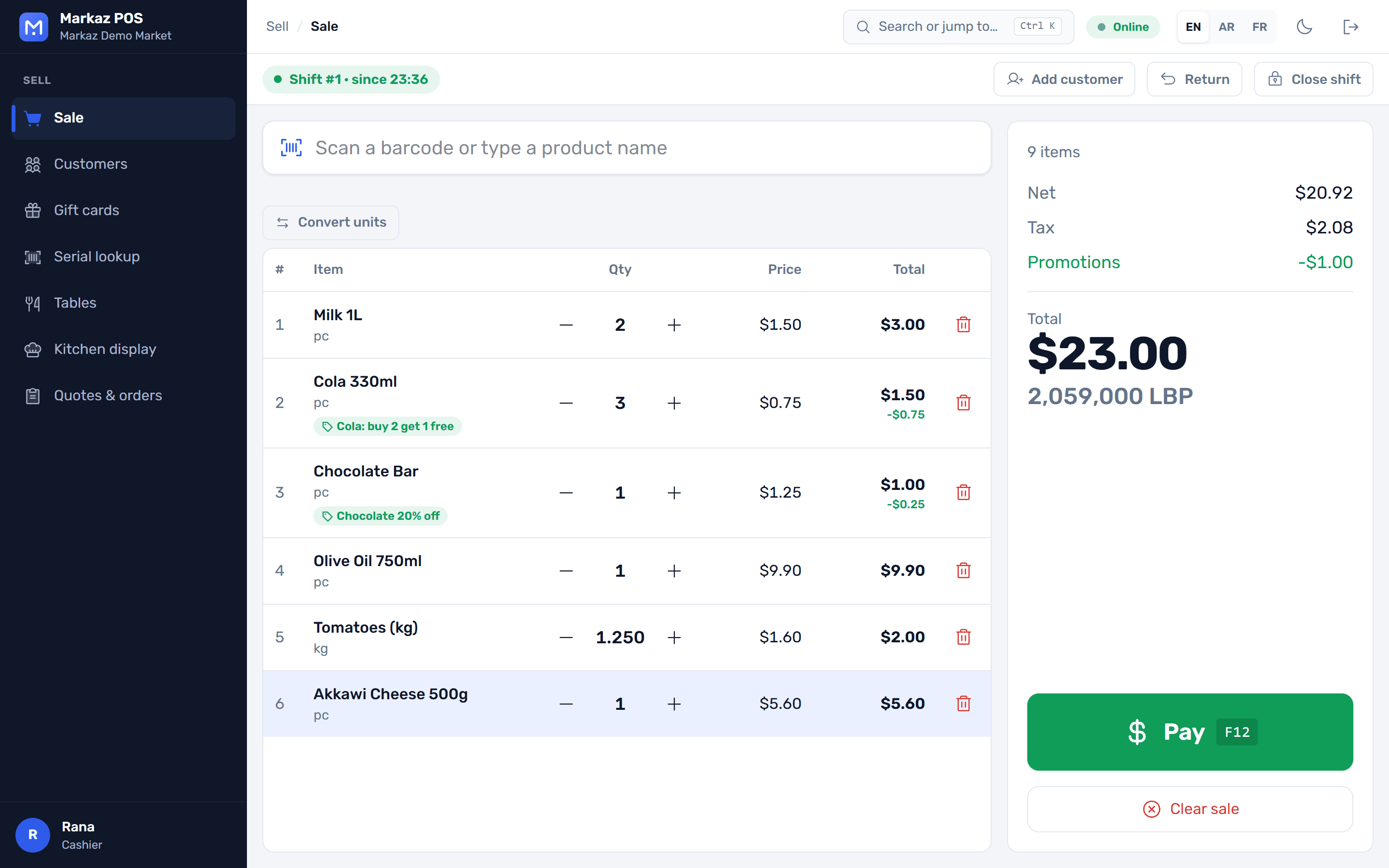
No separate accounting package and no monthly cloud bill to keep the tills alive. Install it on one PC or on every till in the store.
Built for the keyboard and the scanner, so the queue keeps moving.
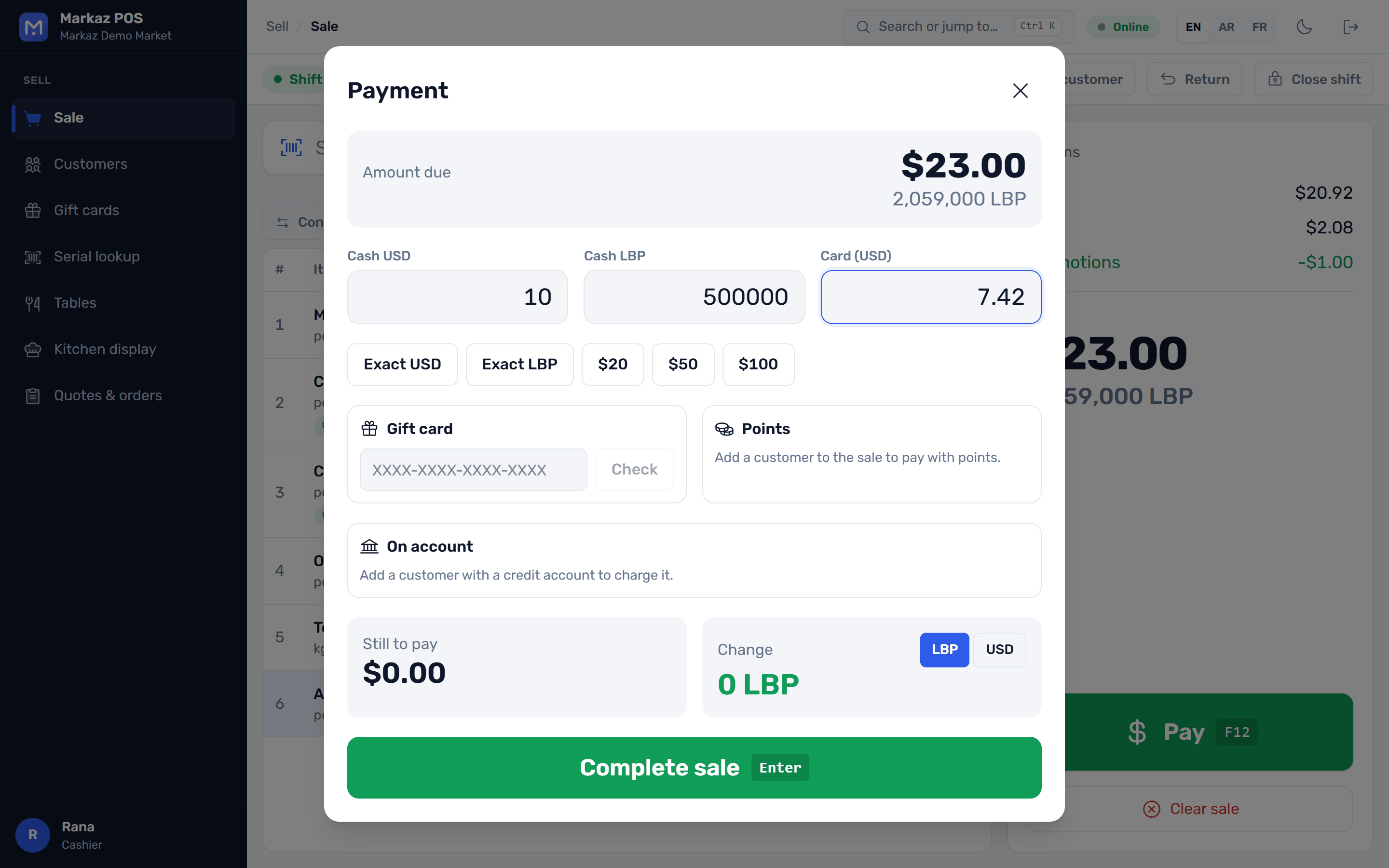
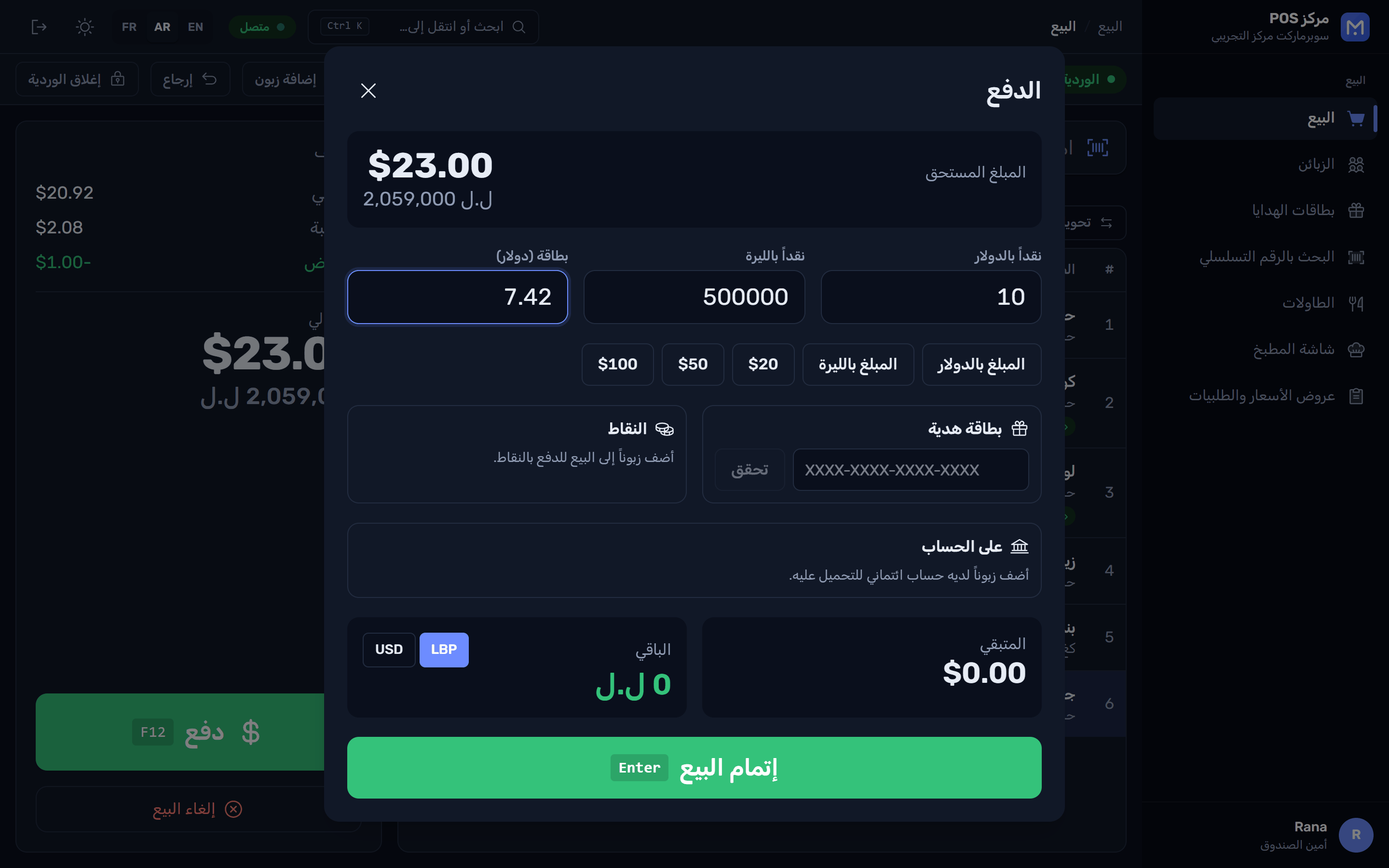
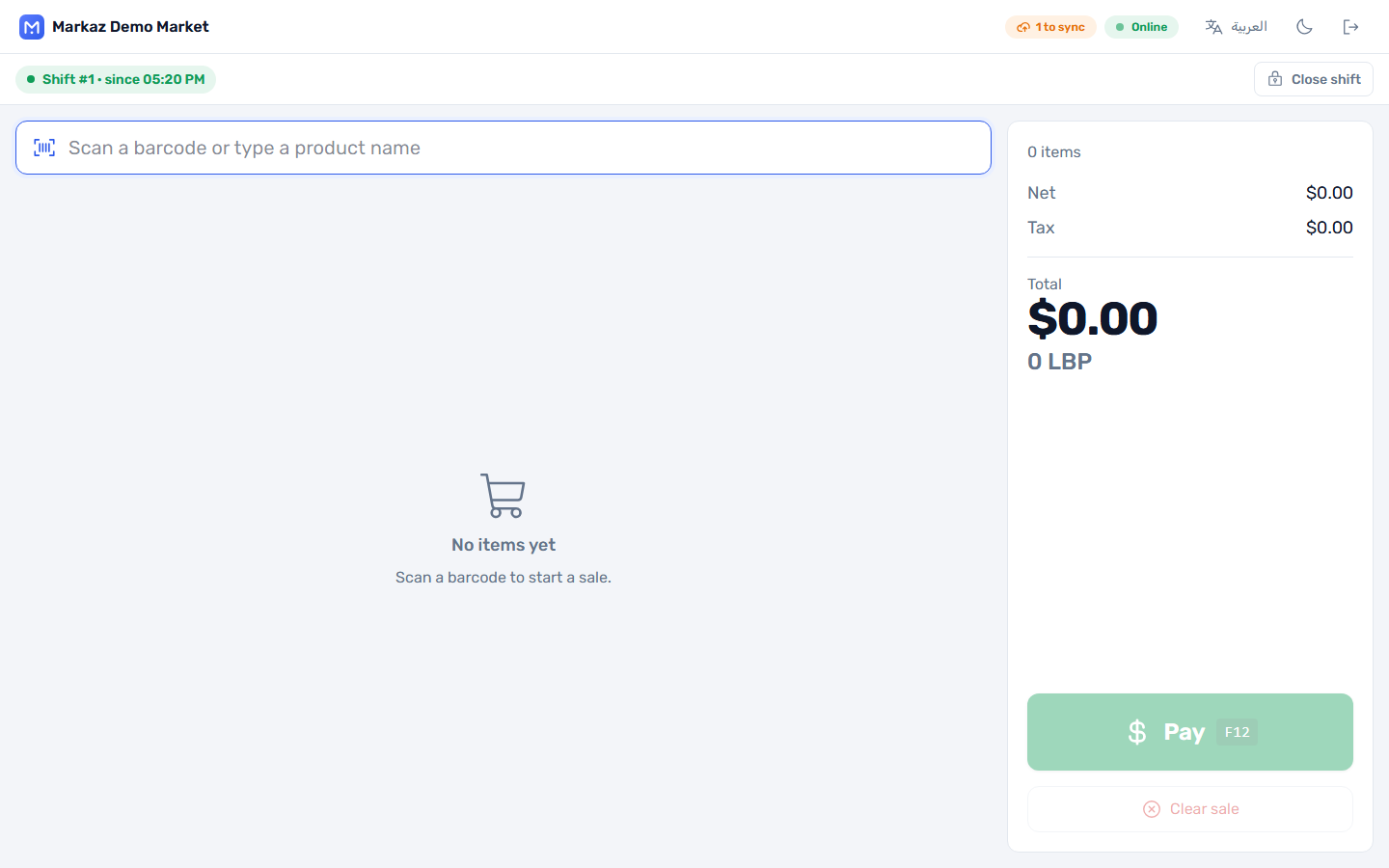
Made for places where power and internet come and go.
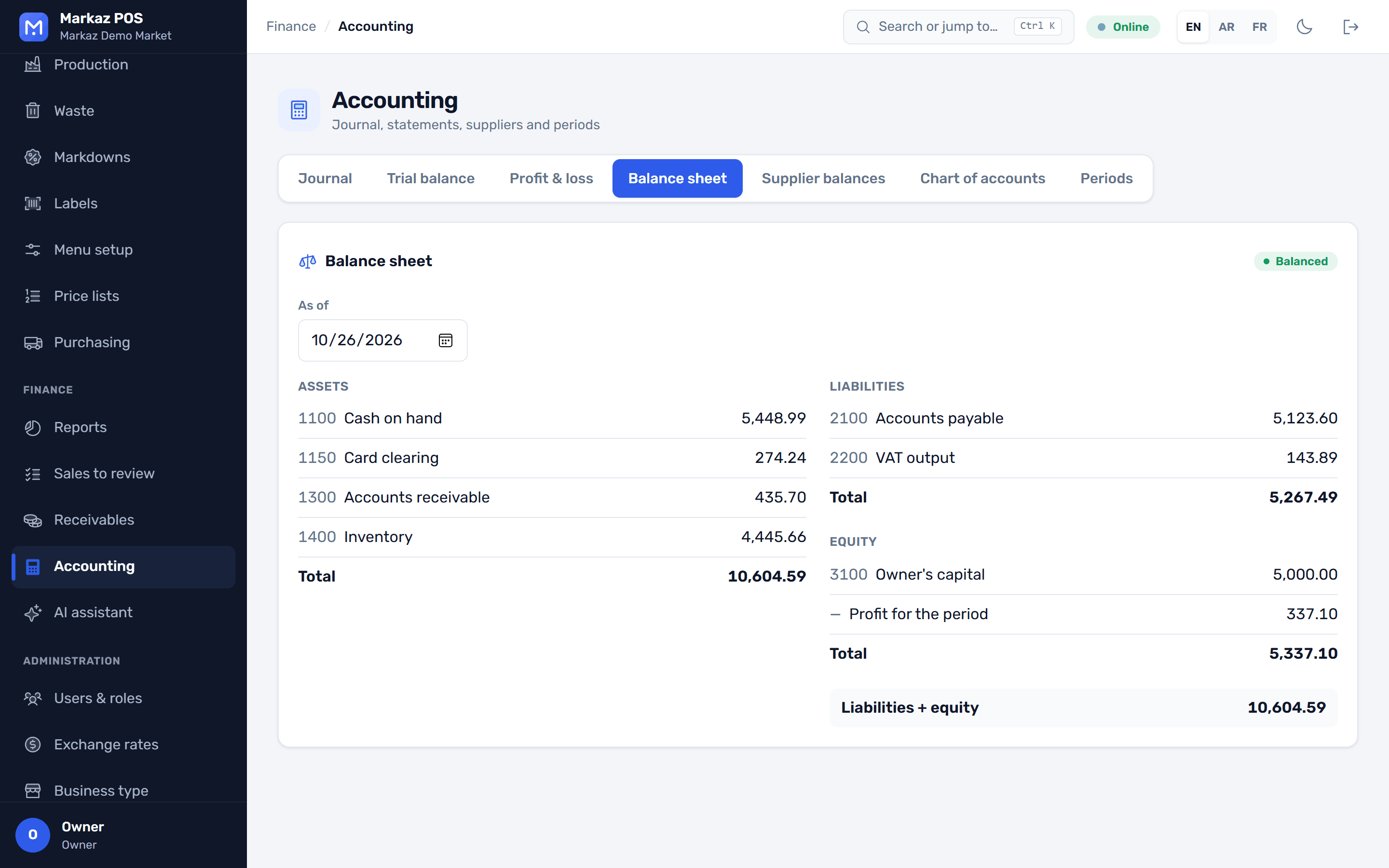
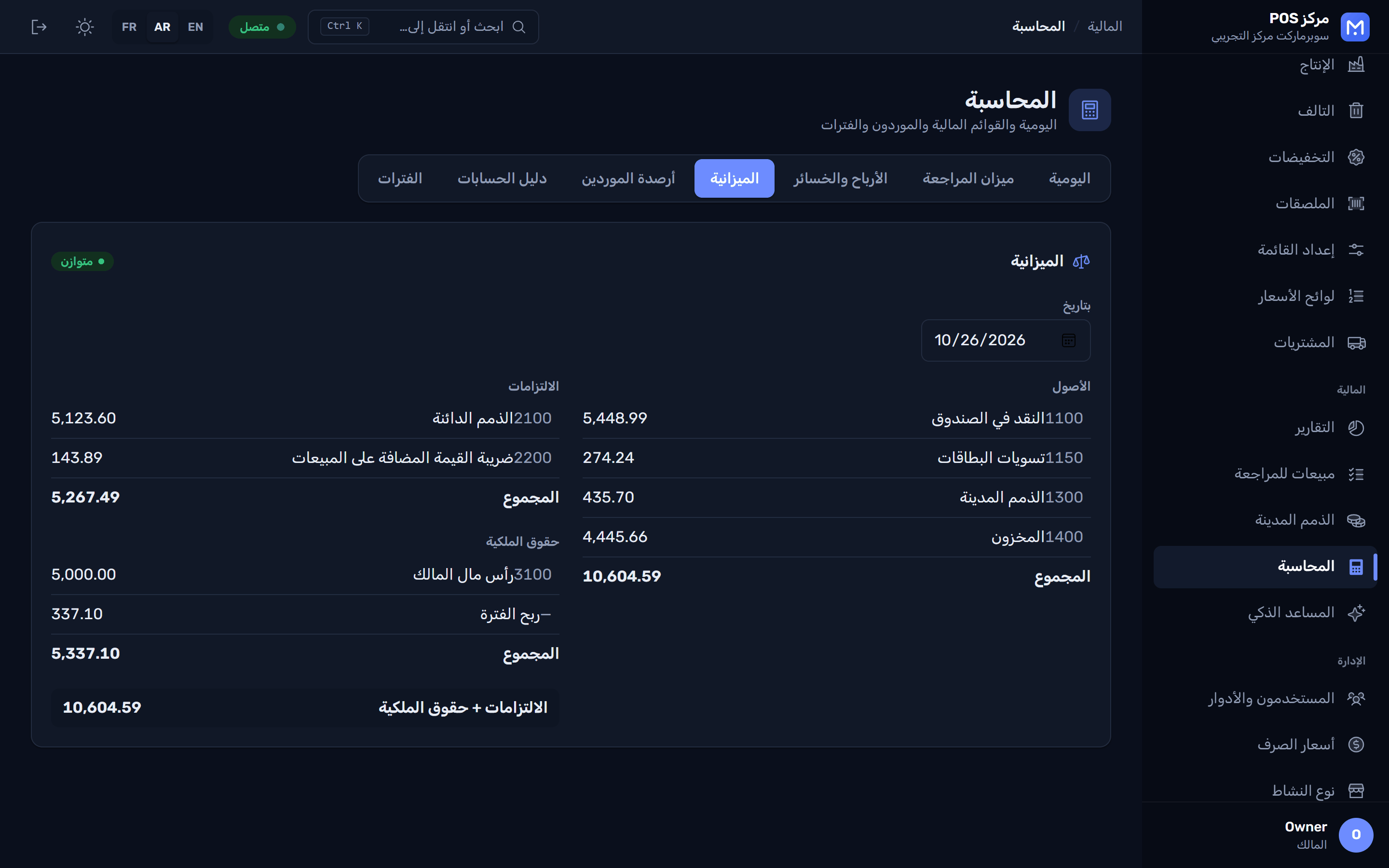
Every sale, receipt and count posts itself. Your accountant gets proper reports, not a spreadsheet.
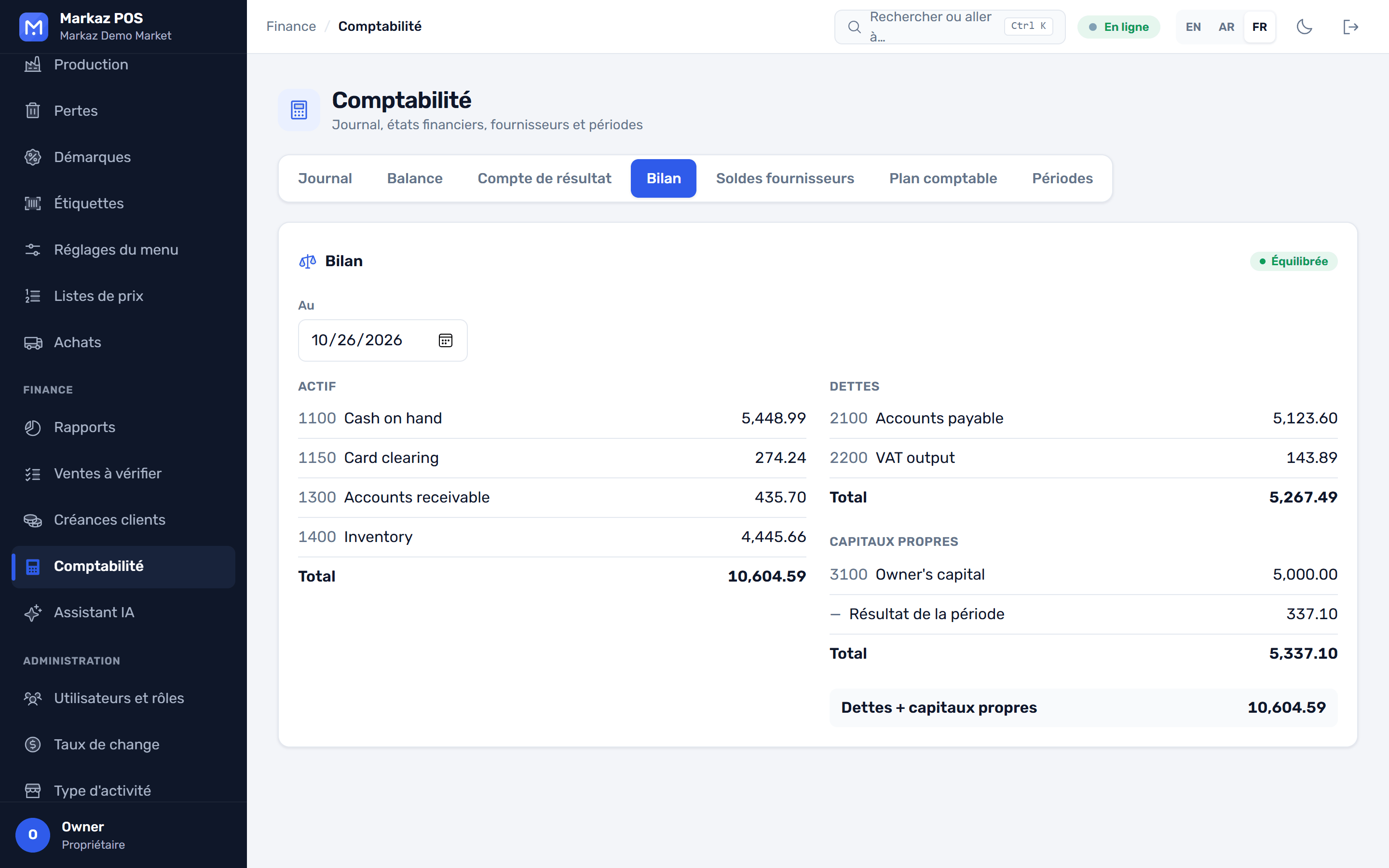
Stock by warehouse and reports that answer real questions, from the till to the back office.
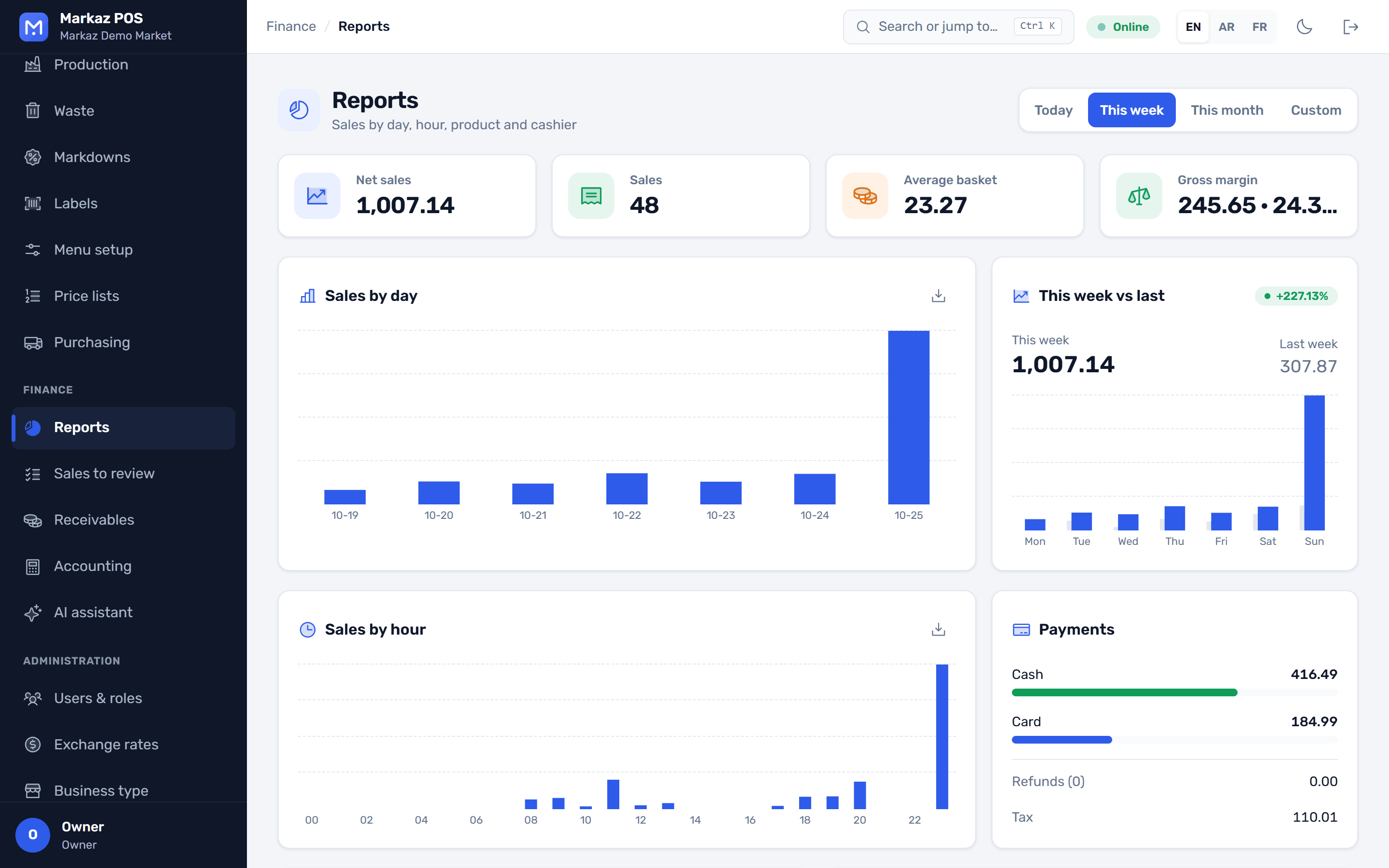
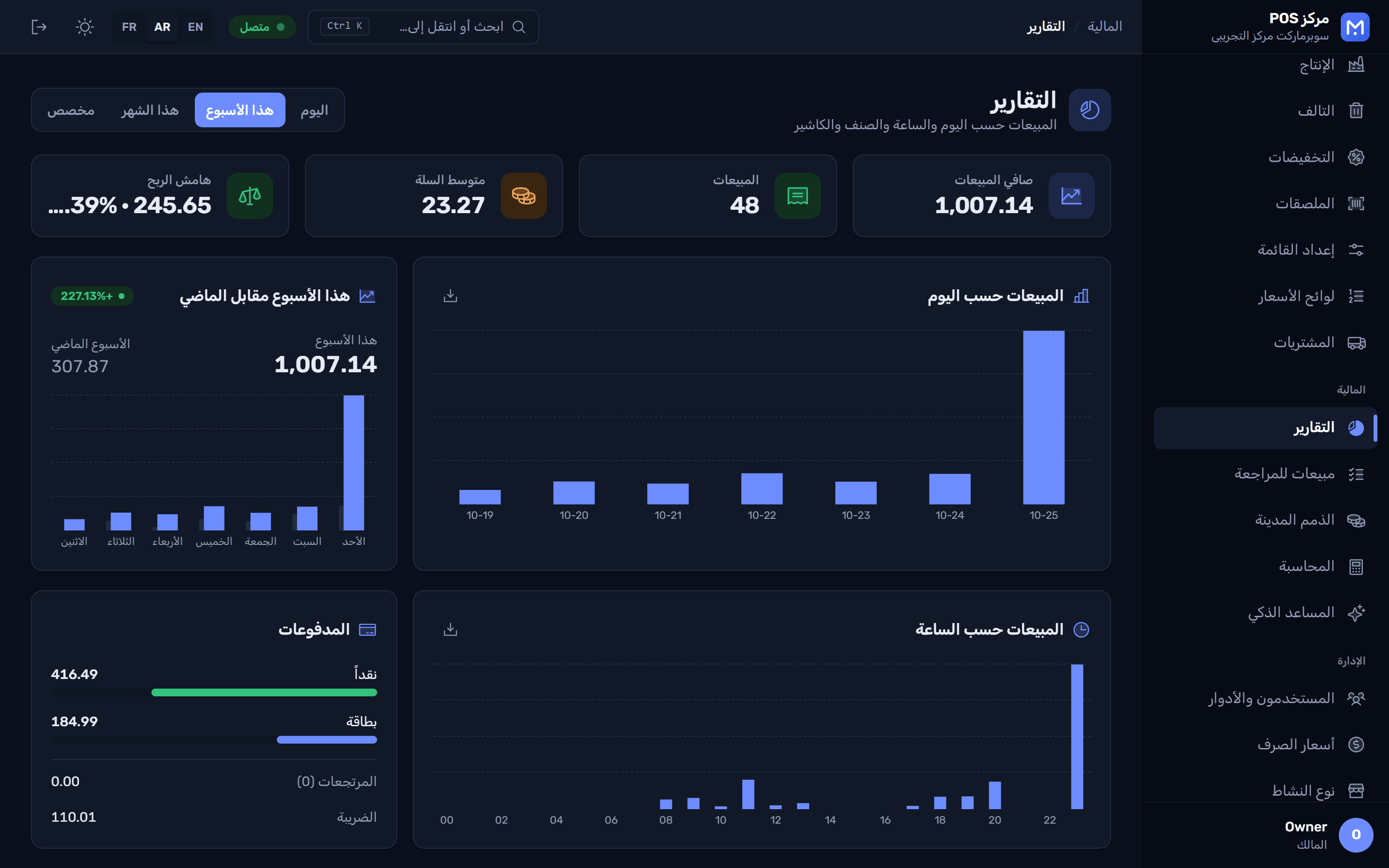
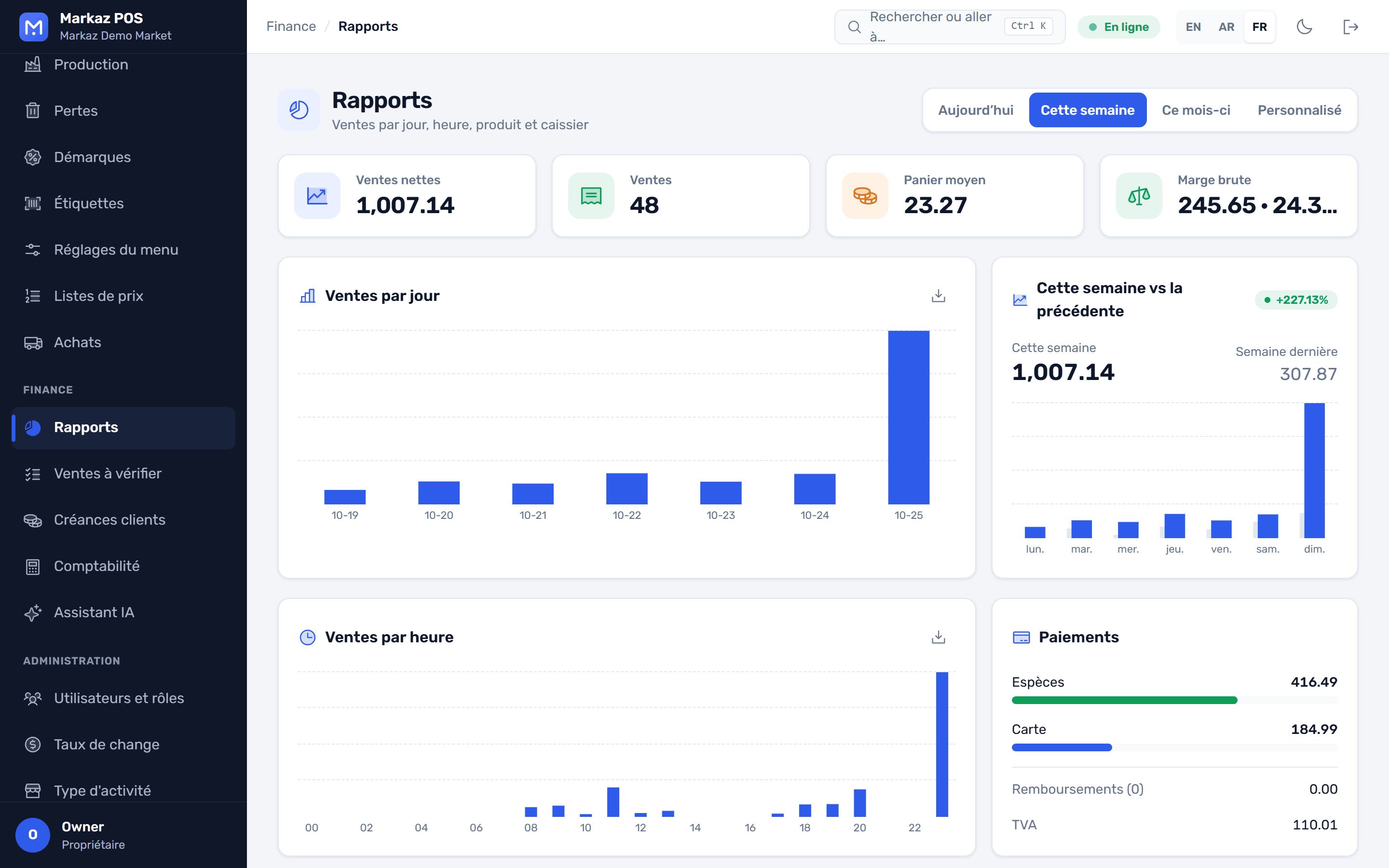
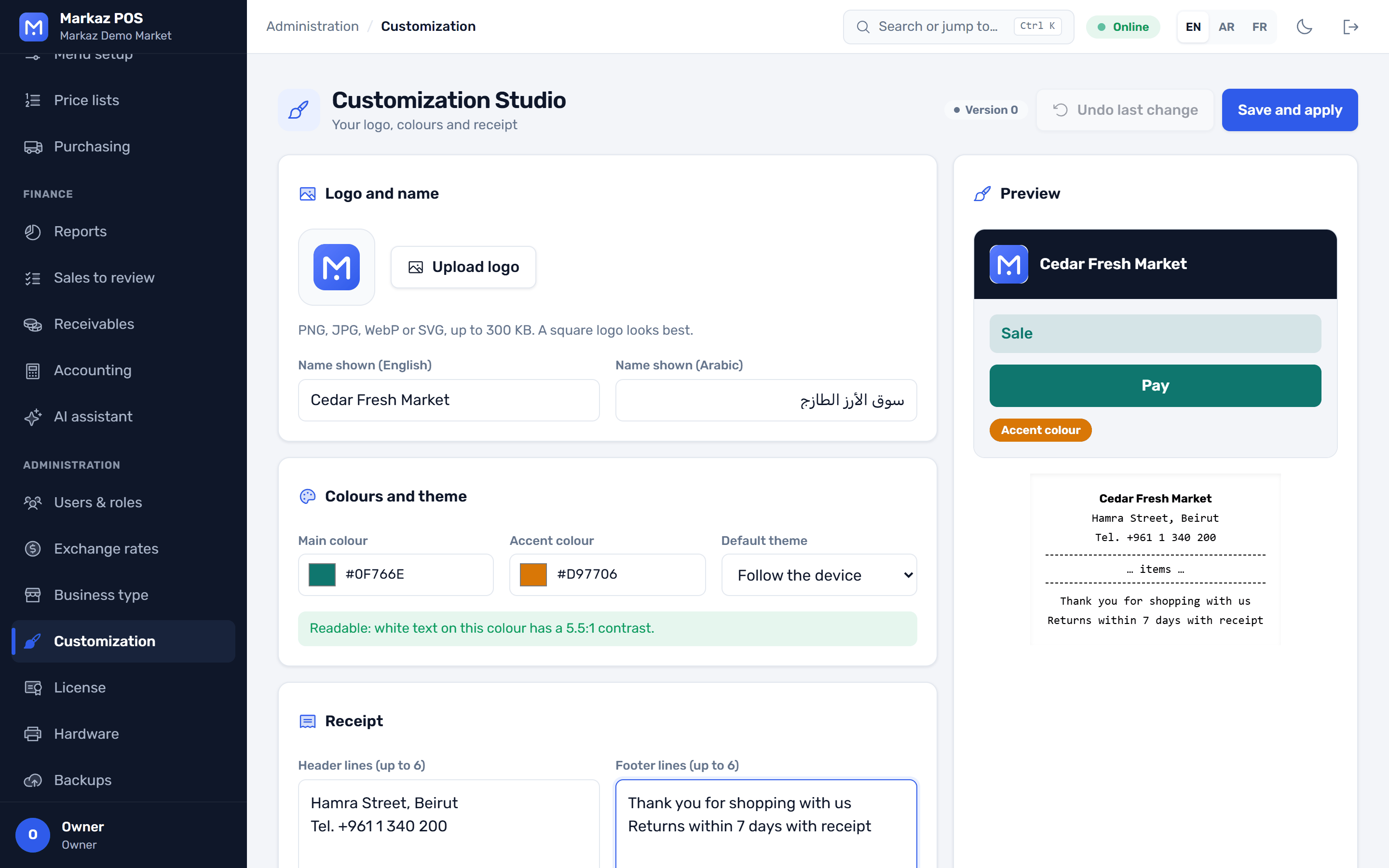
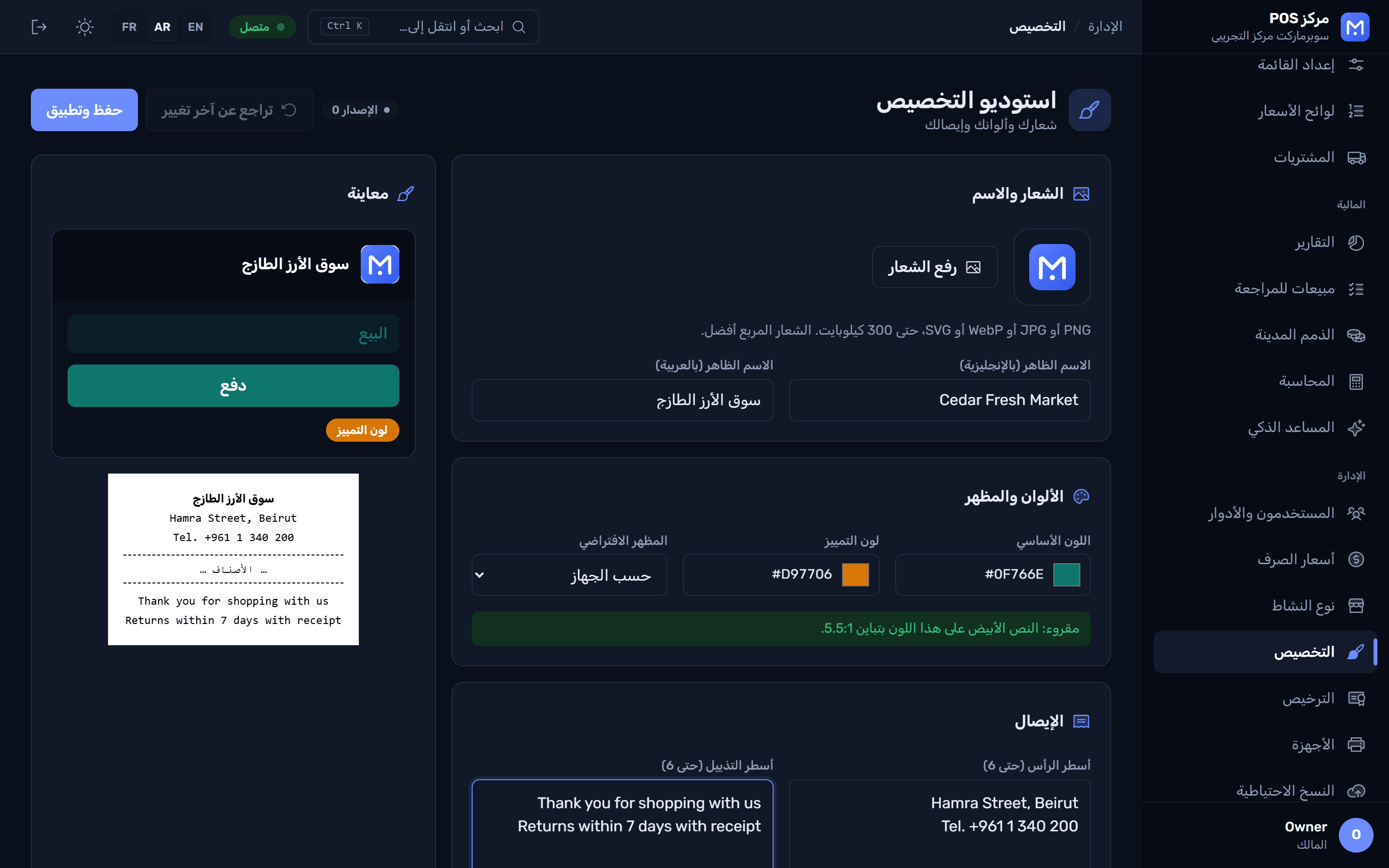
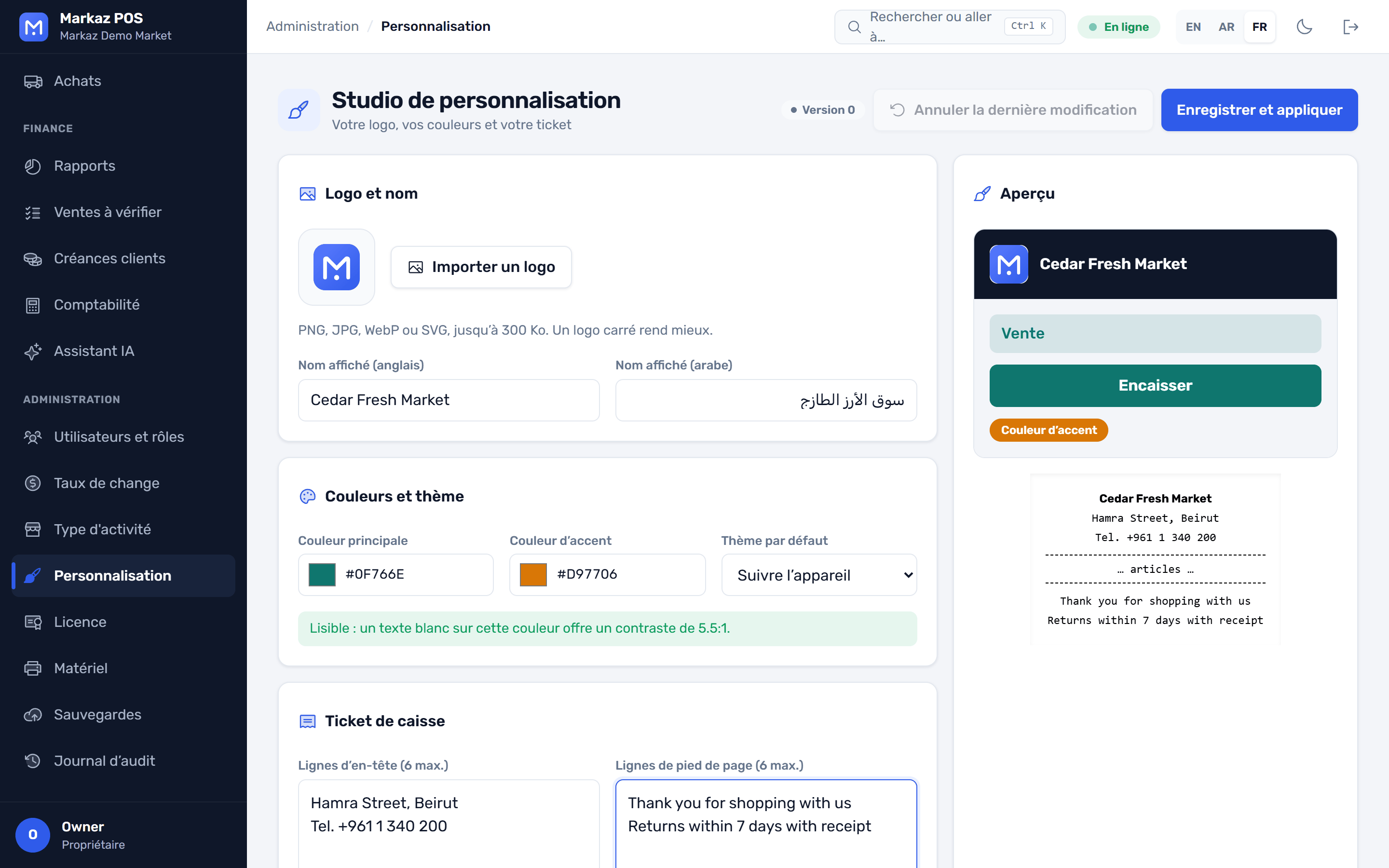
The Customization Studio changes the look of the app and the receipt, never your data.
Receipts print silently, with no print dialog. ESC/POS printers, a cash drawer that opens on payment, a customer display and a weighing scale.
Ask questions about your sales and stock, get reorder suggestions, and read a photo of a supplier invoice into a goods receipt. Optional, with your own AI key.
Promotions per branch, customer points with a full history, and gift cards with balance checks, tied to the cashier's shift.
One PC acts as the store server and every till connects over your network. Branches, warehouses and stock transfers between them.
A waiter app that sends table orders to the kitchen, price checks with the camera, stock counts without Wi-Fi, receiving goods, purchase order approvals and today's sales.
A backup every day with the last 14 kept, an optional second folder, and one more when you close the app. Safe restore, and updates that download in the background.
Nine ready-made roles, from owner to cashier to auditor. Discount and refund limits for each role, and a tamper-evident log of every change.
Press F1 on any screen to open the guide at the right chapter. Search it, with pictures, in English, Arabic and French, and it works offline.
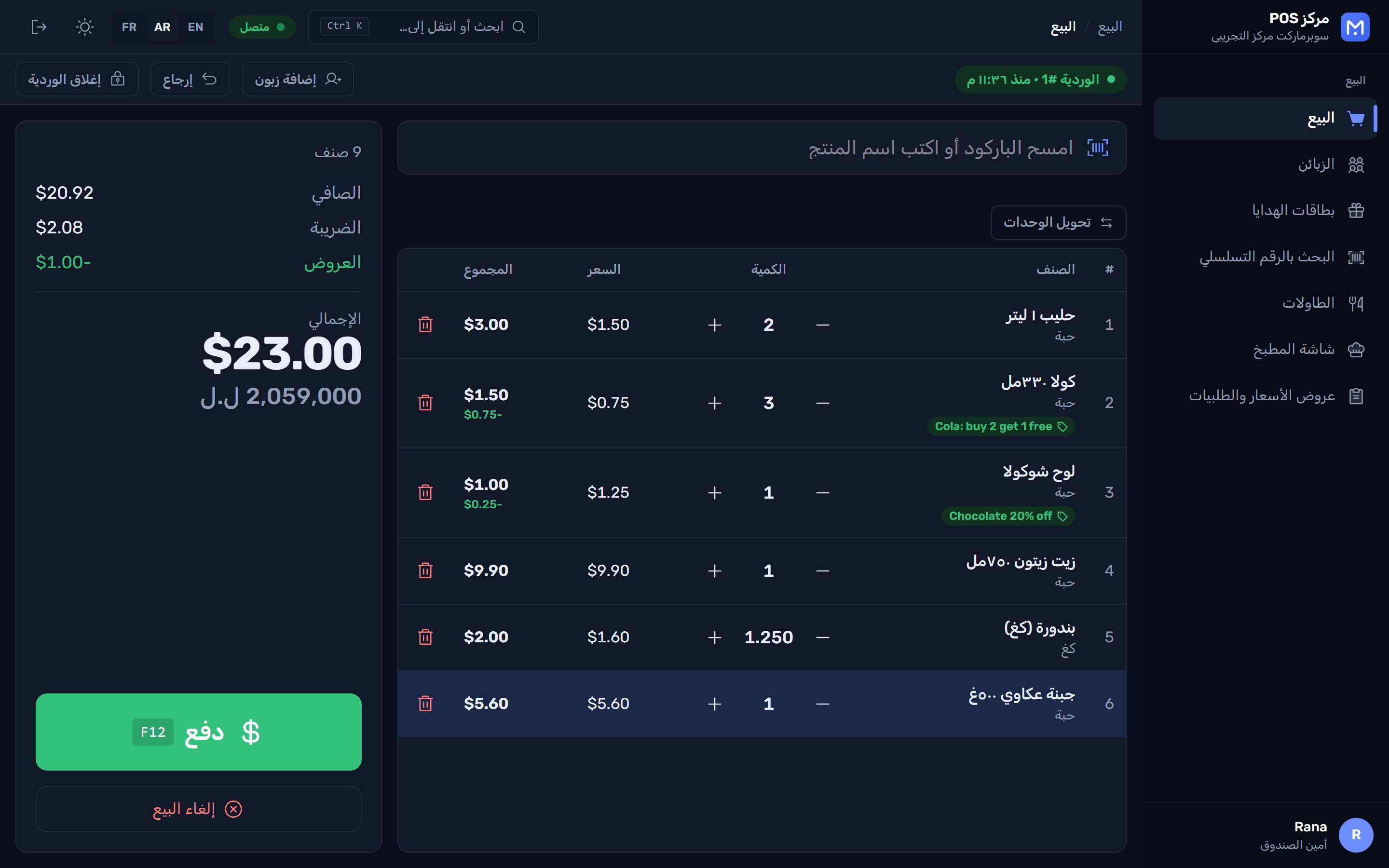
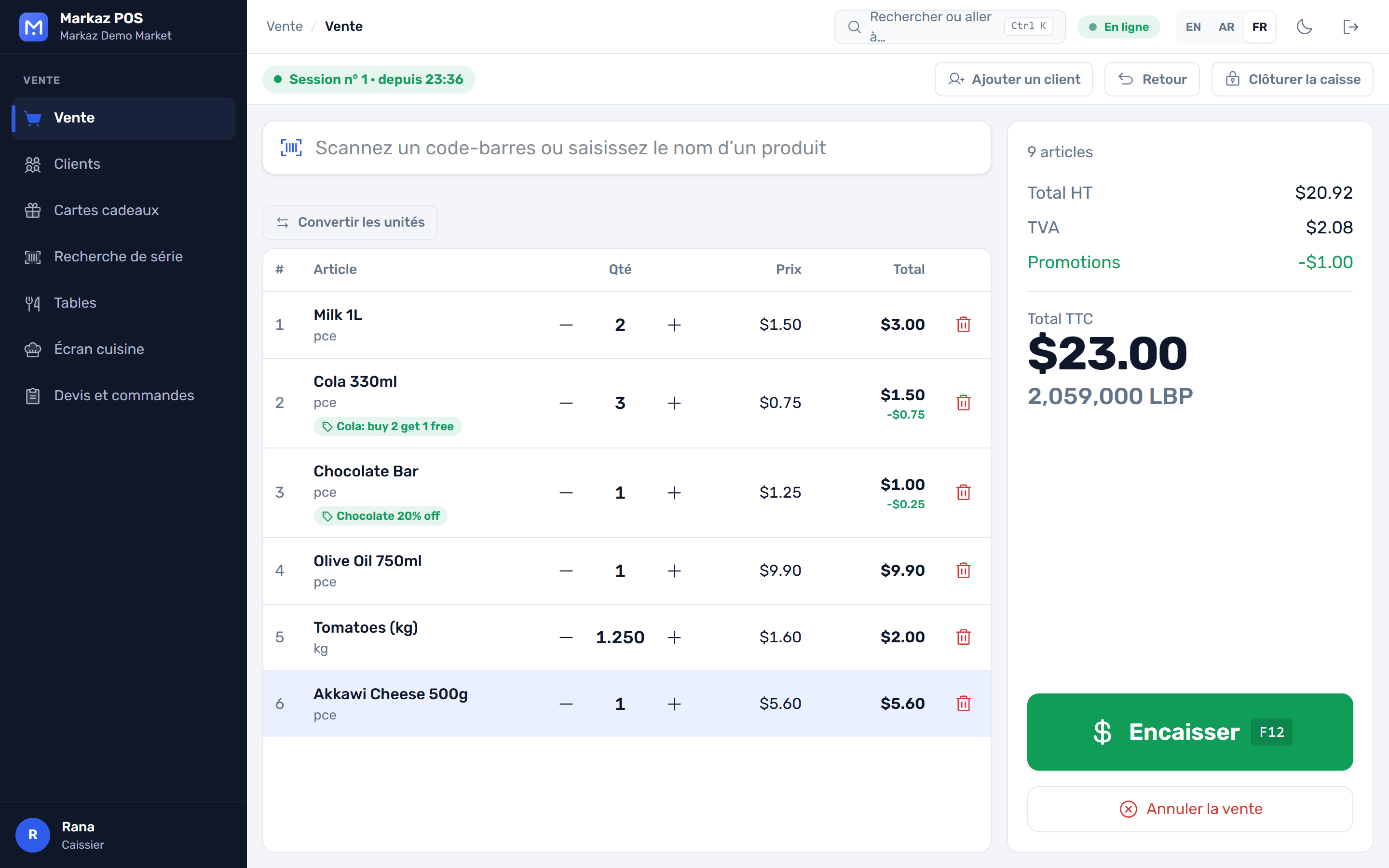
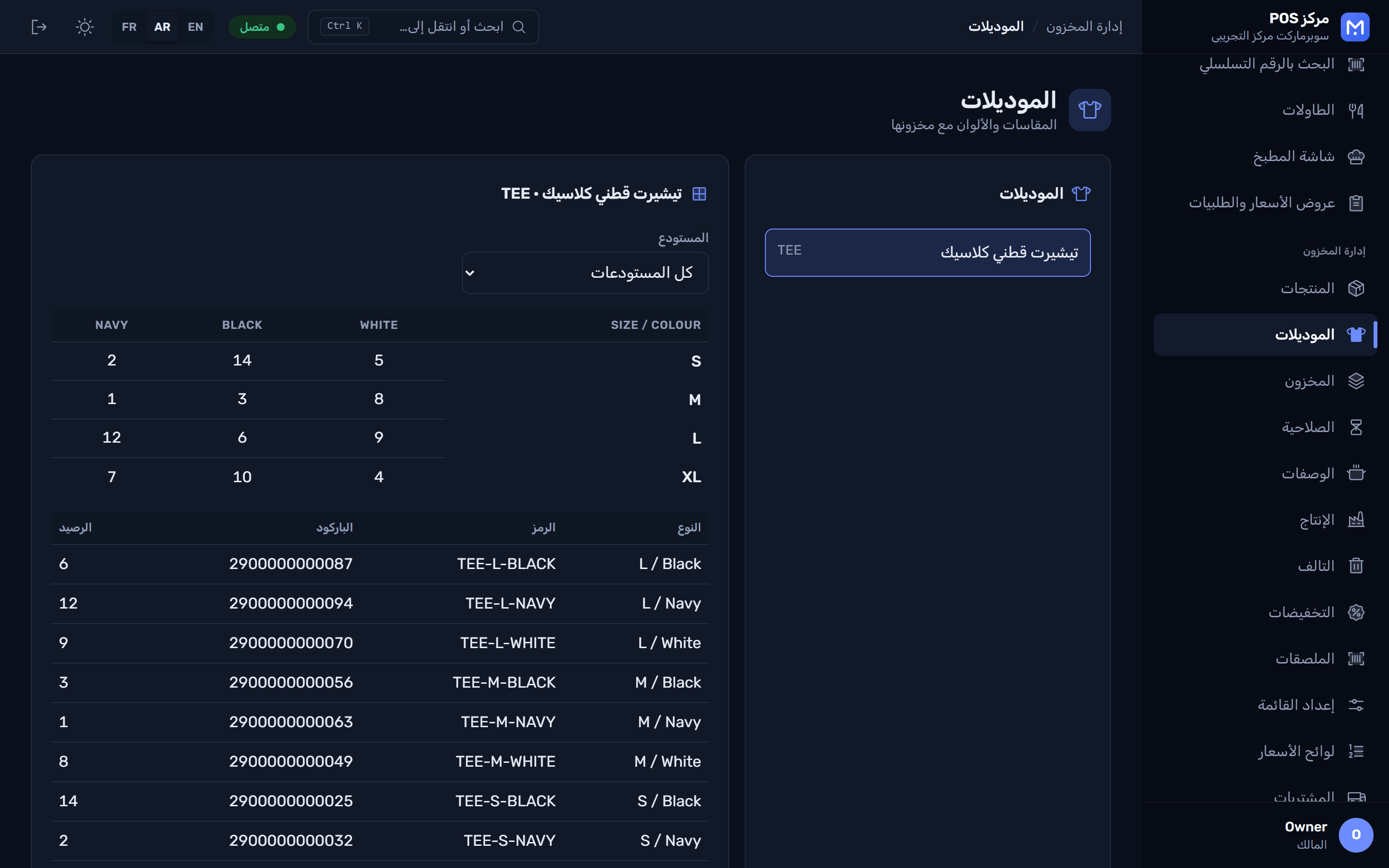
A full right-to-left layout for Arabic, product names in more than one language, and light and dark themes. Each user picks their own.
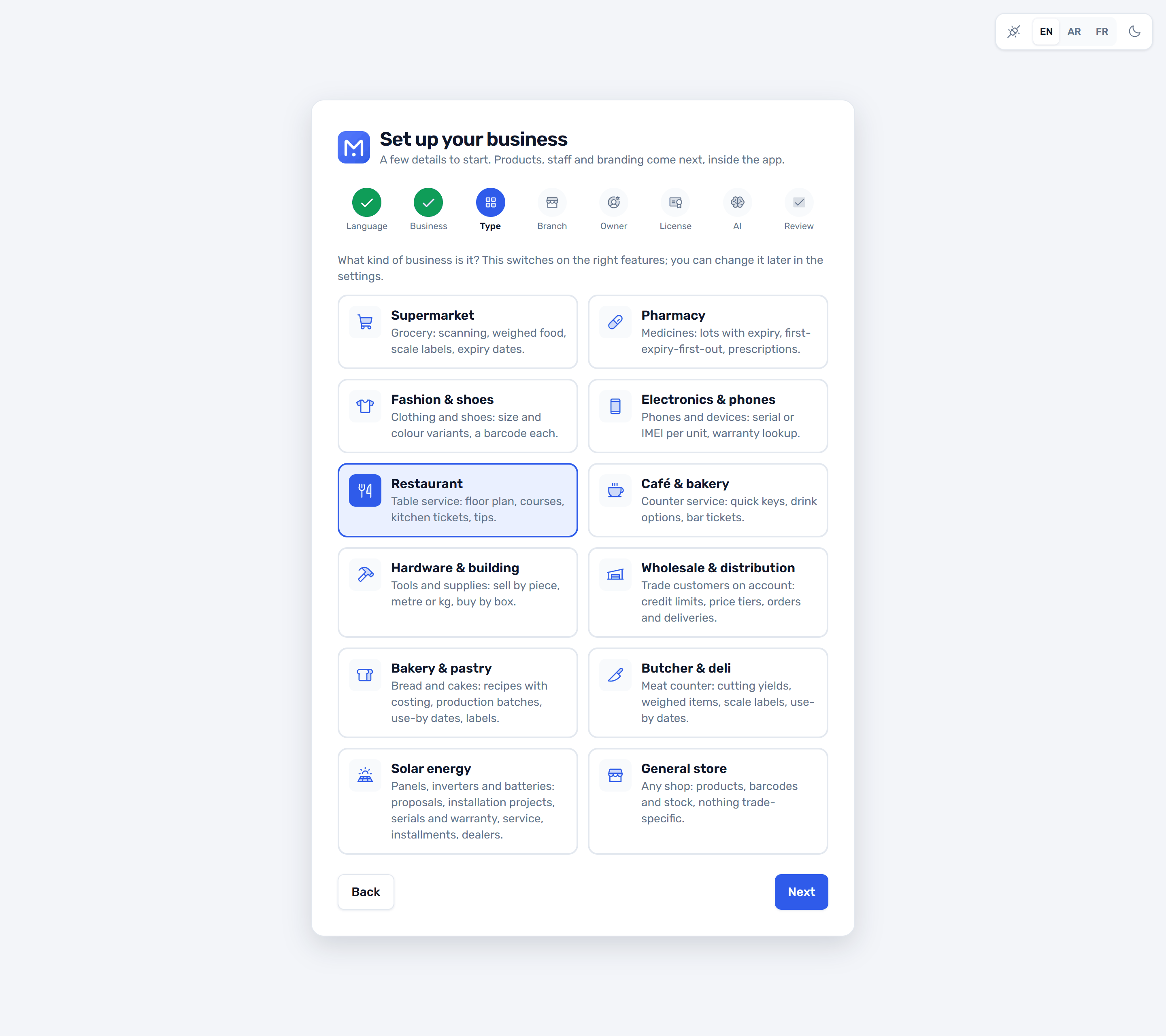
Pick your business type during setup. Markaz turns on the features, product fields, units and roles that trade needs, and you can still switch single features on or off later.
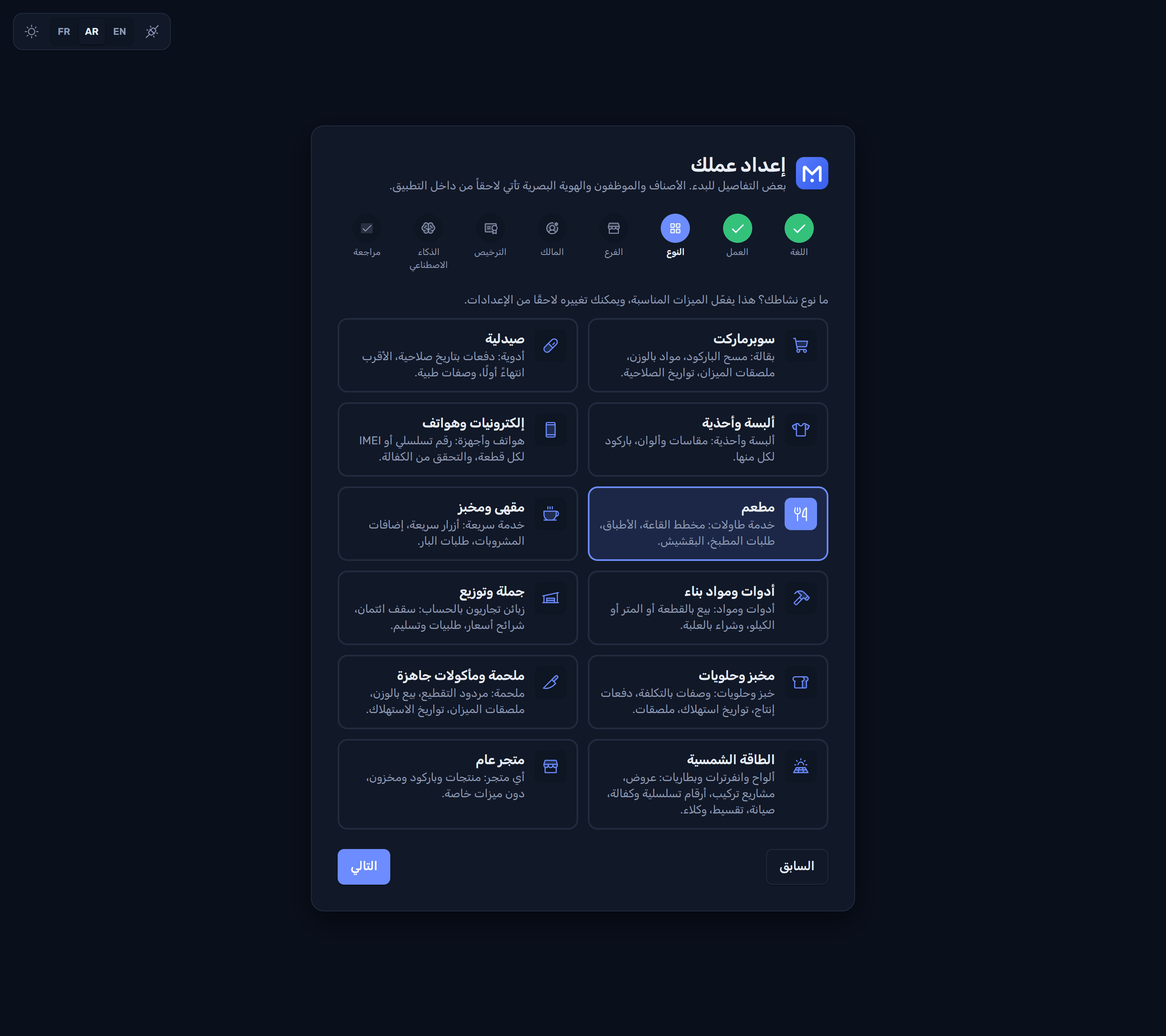
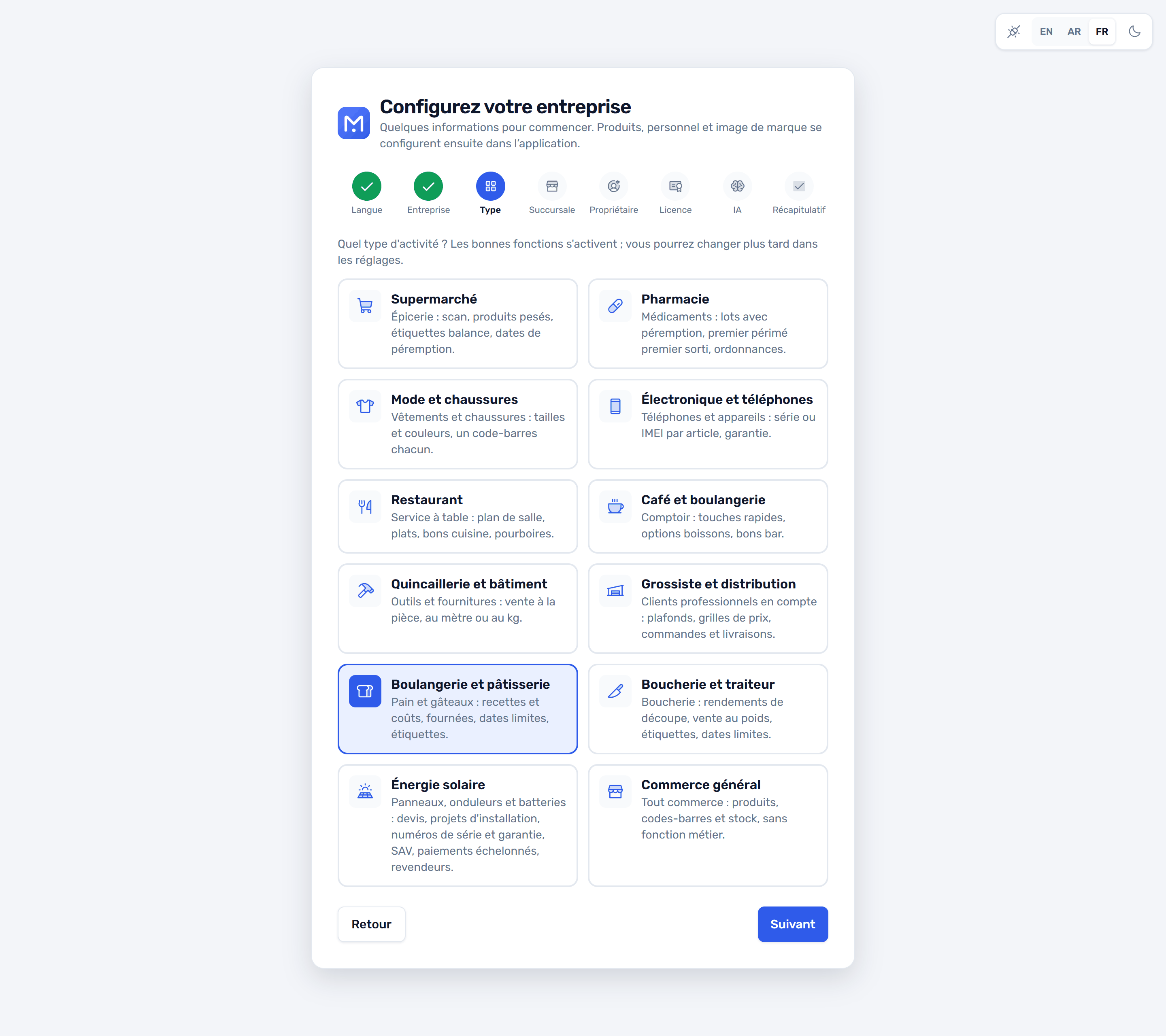
Available now
Products, barcodes, units, stock, purchasing and accounting for any shop. Every other type builds on it.
Fast scanning, weighed fresh food, scale labels, boxes and pieces, and dated lots.
Lots with expiry dates, first-expiry-first-out (FEFO), an expiry report, sell by box or strip, prescription-only items.
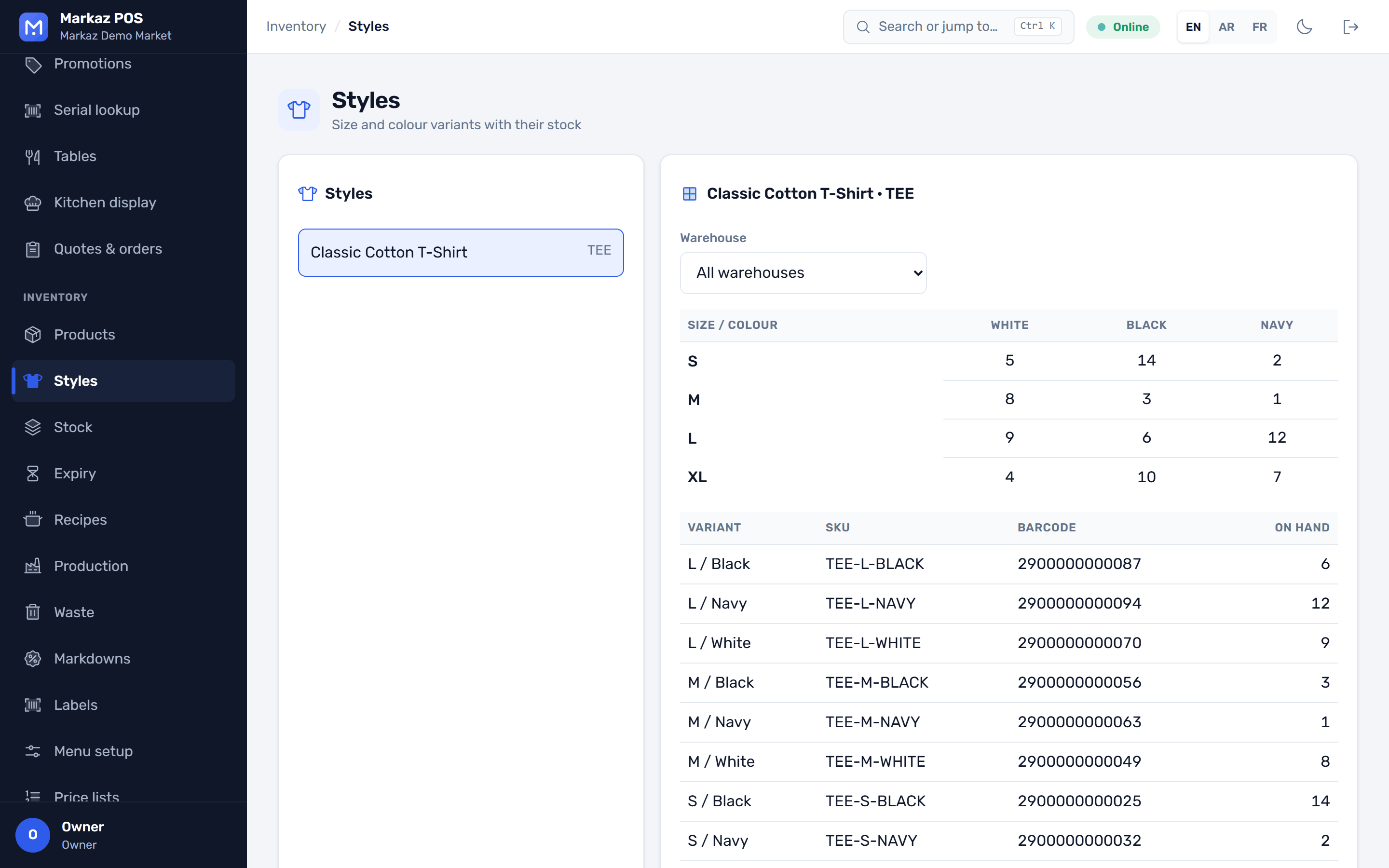
Styles with a size and colour matrix, and a barcode for every variant.
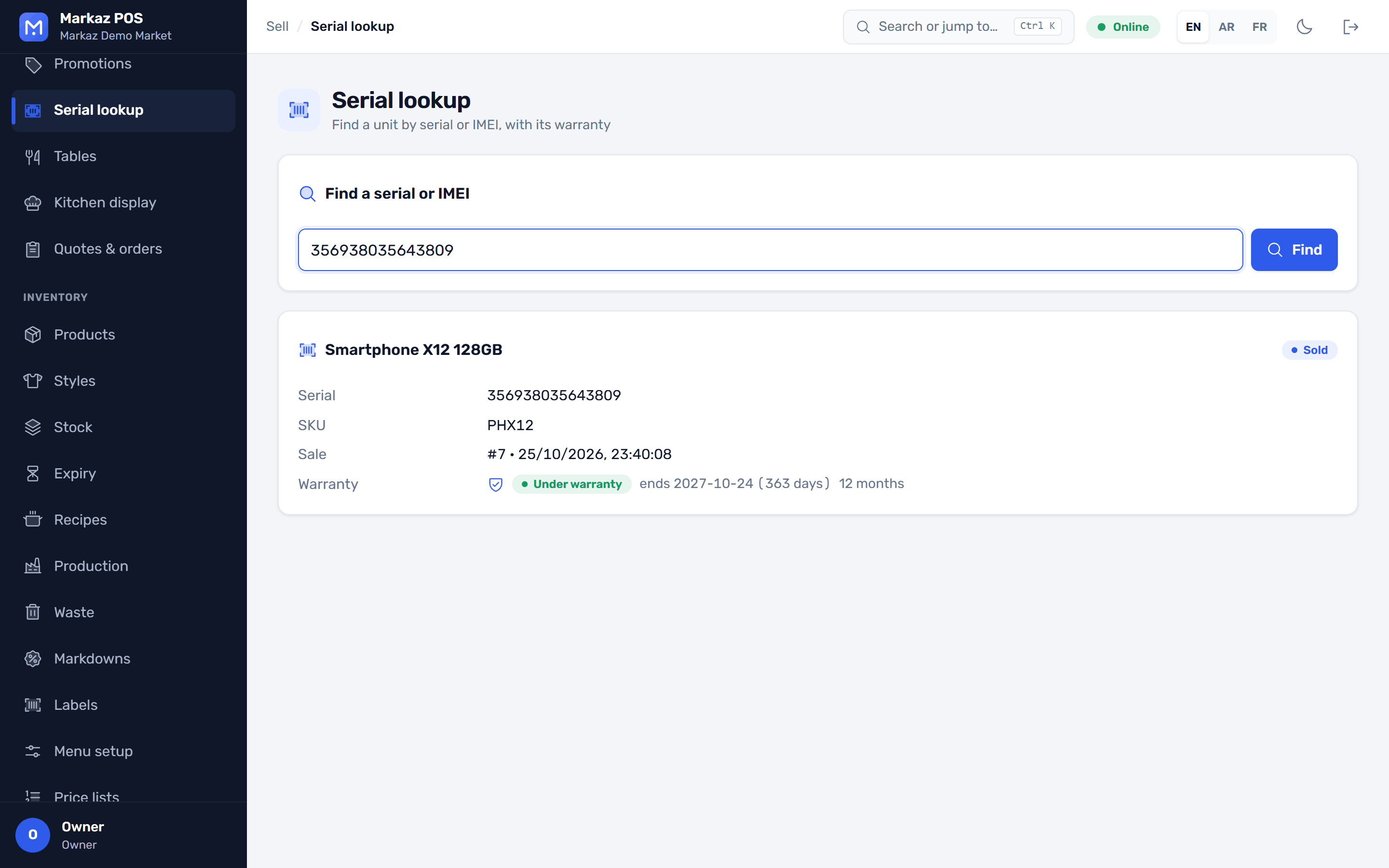
A serial number or IMEI for each unit sold, and warranty lookup by receipt or serial.
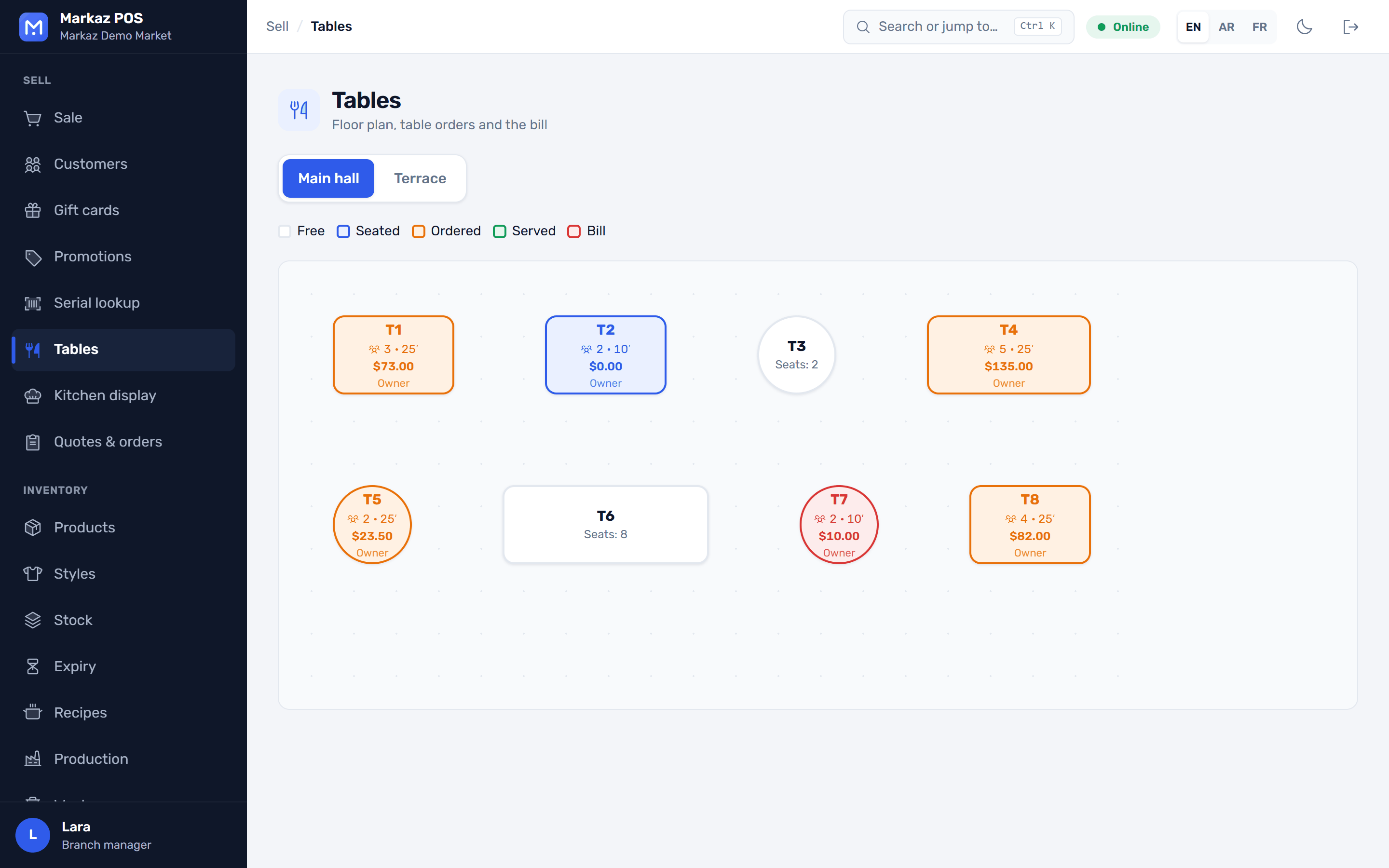
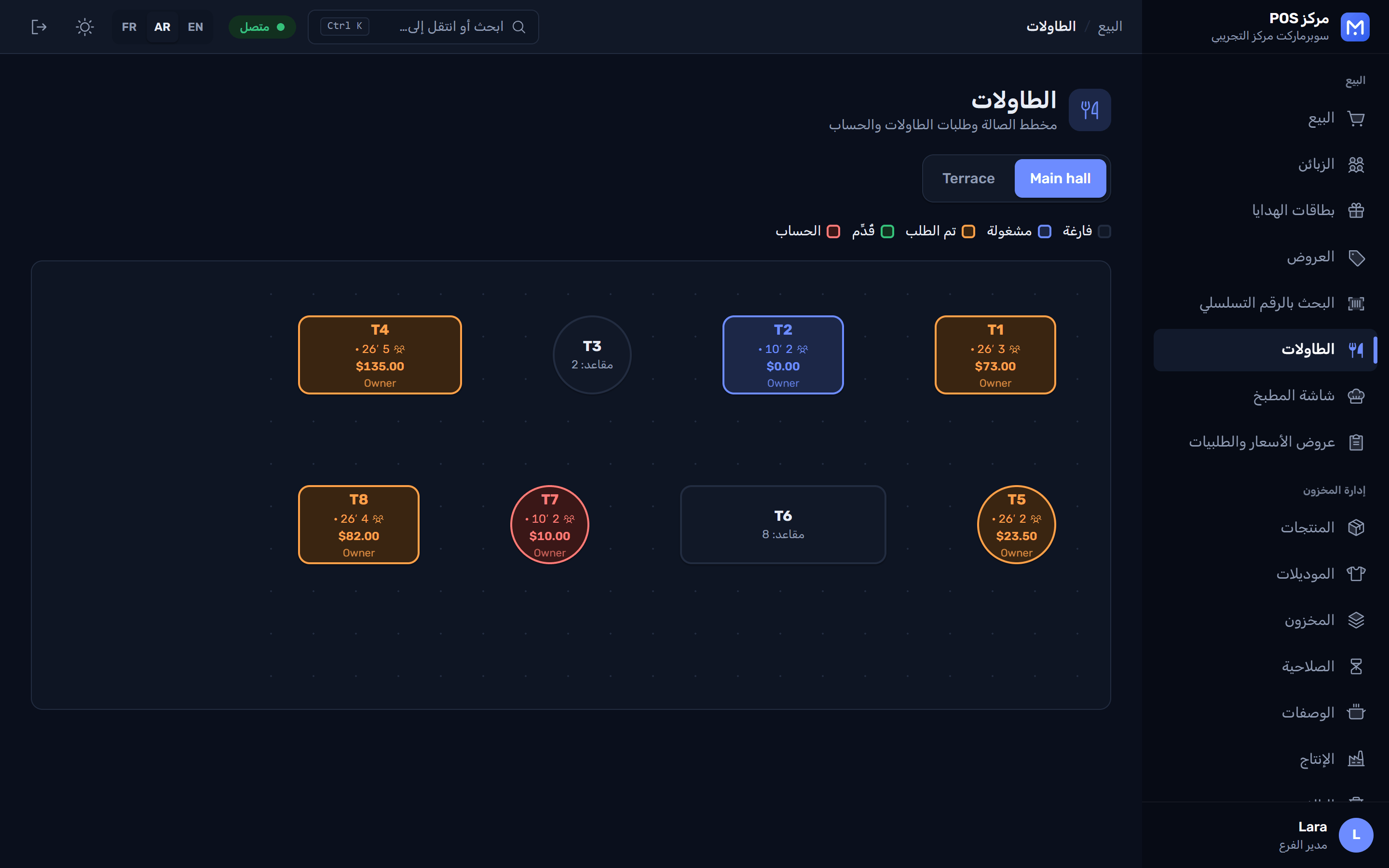
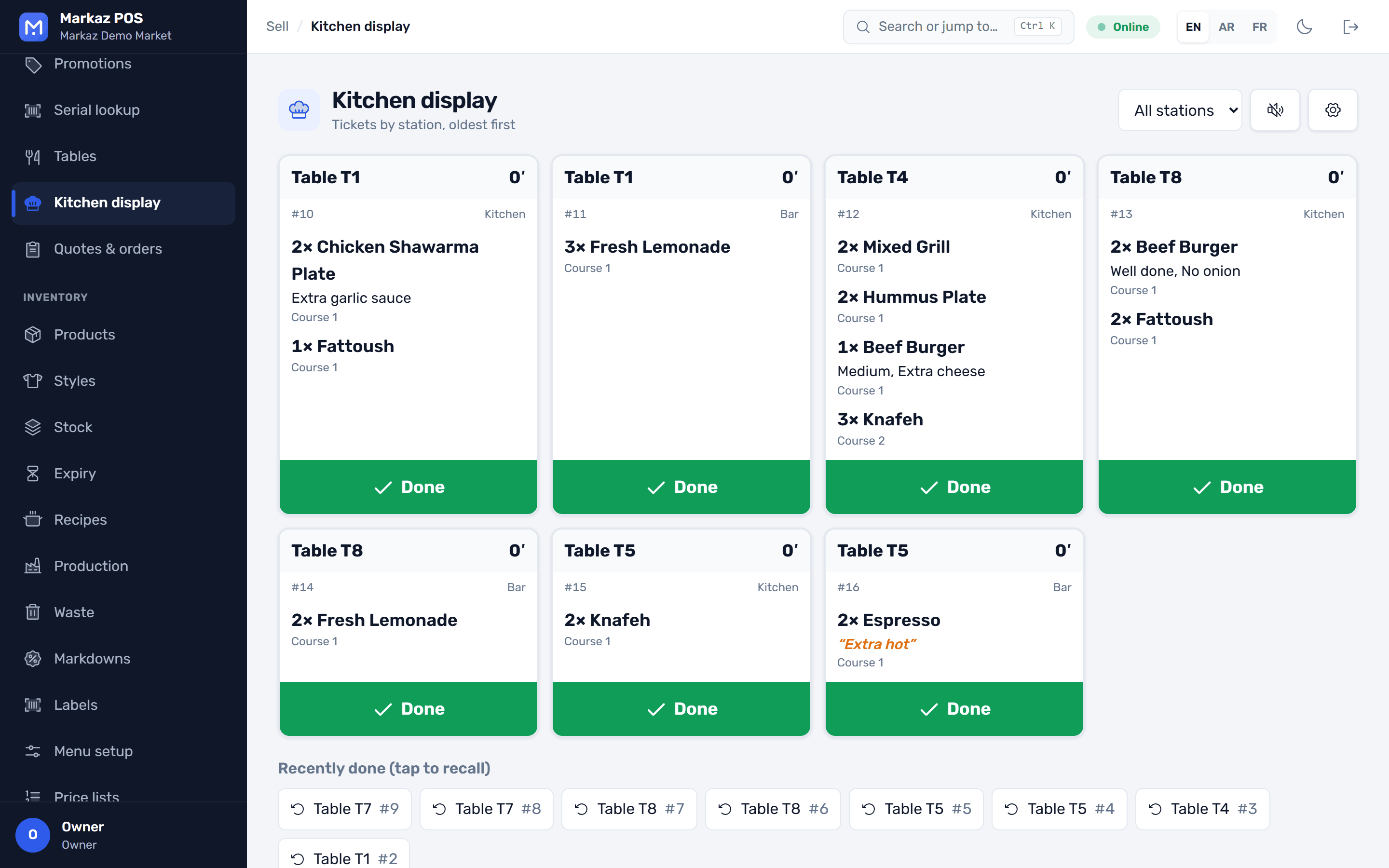
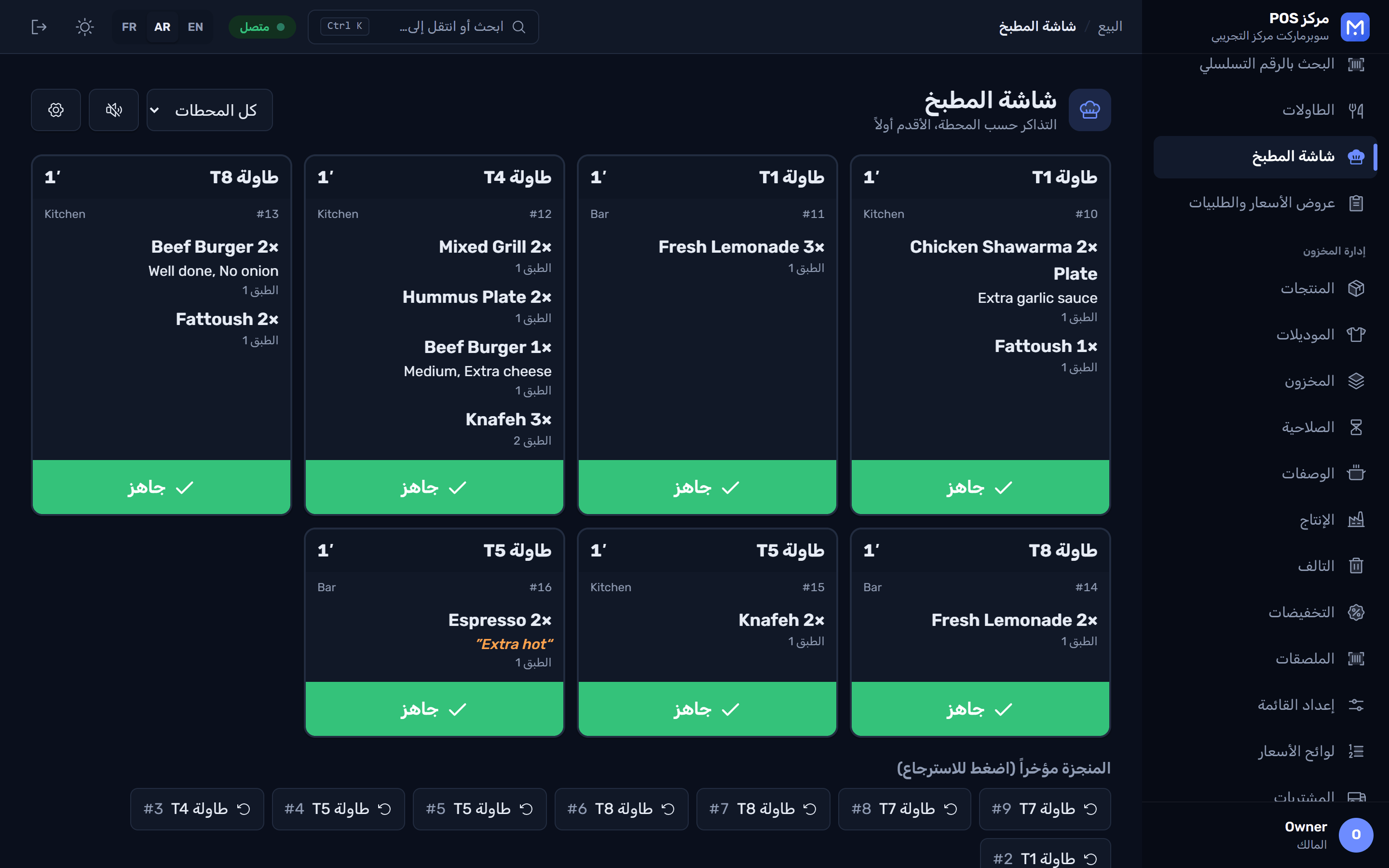
Tables and floor plan, a kitchen display, modifiers, split bills and a waiter app.
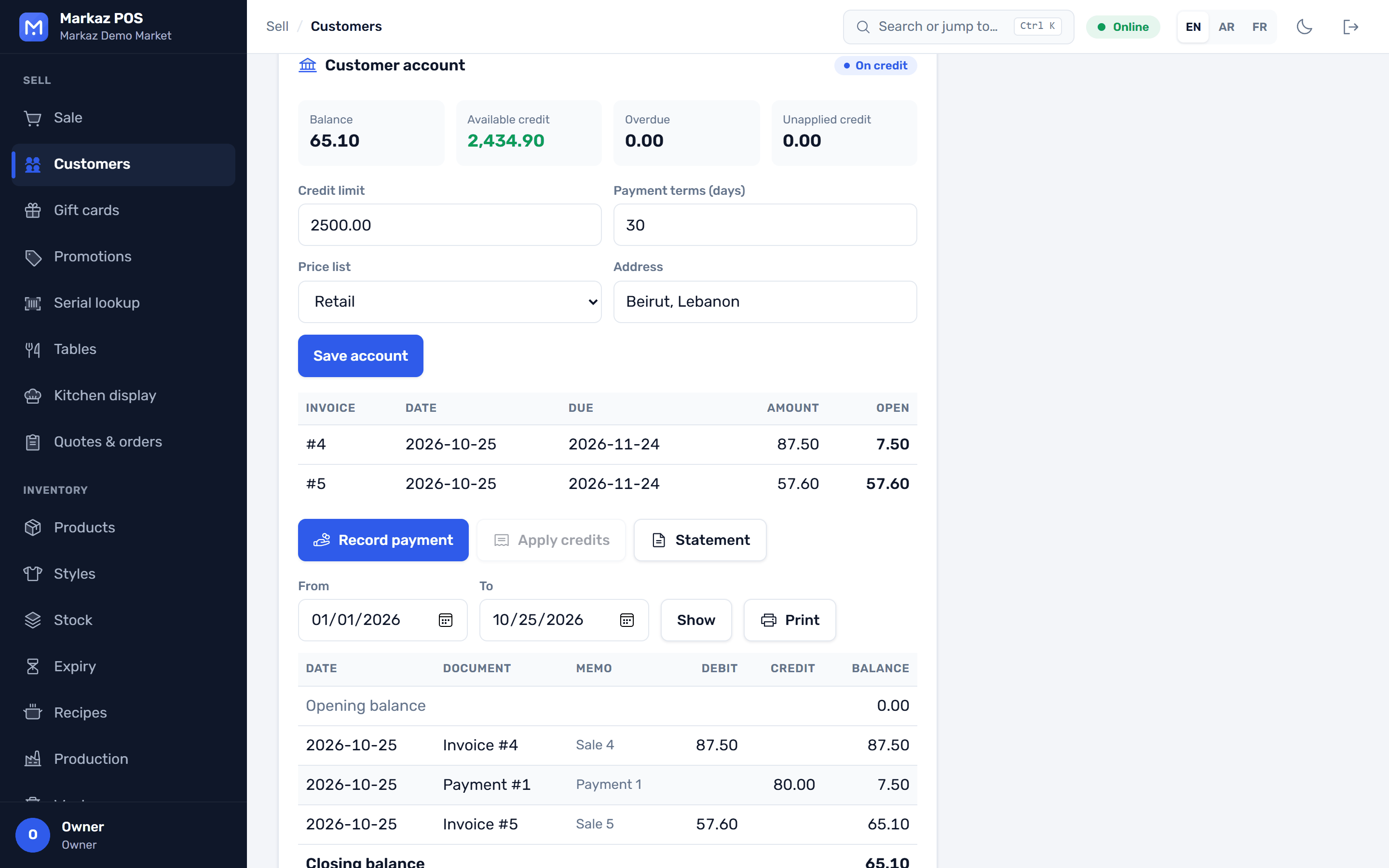
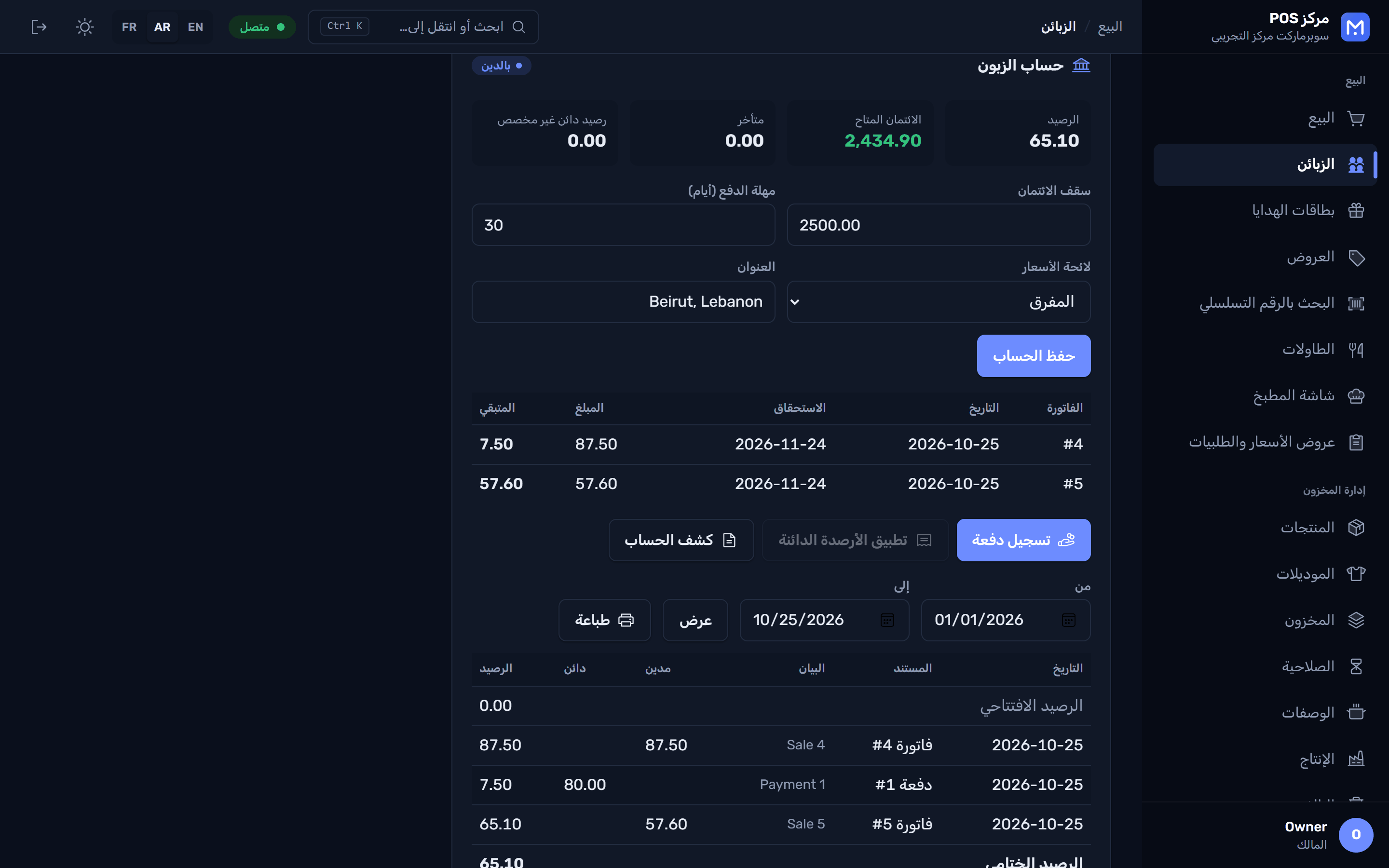
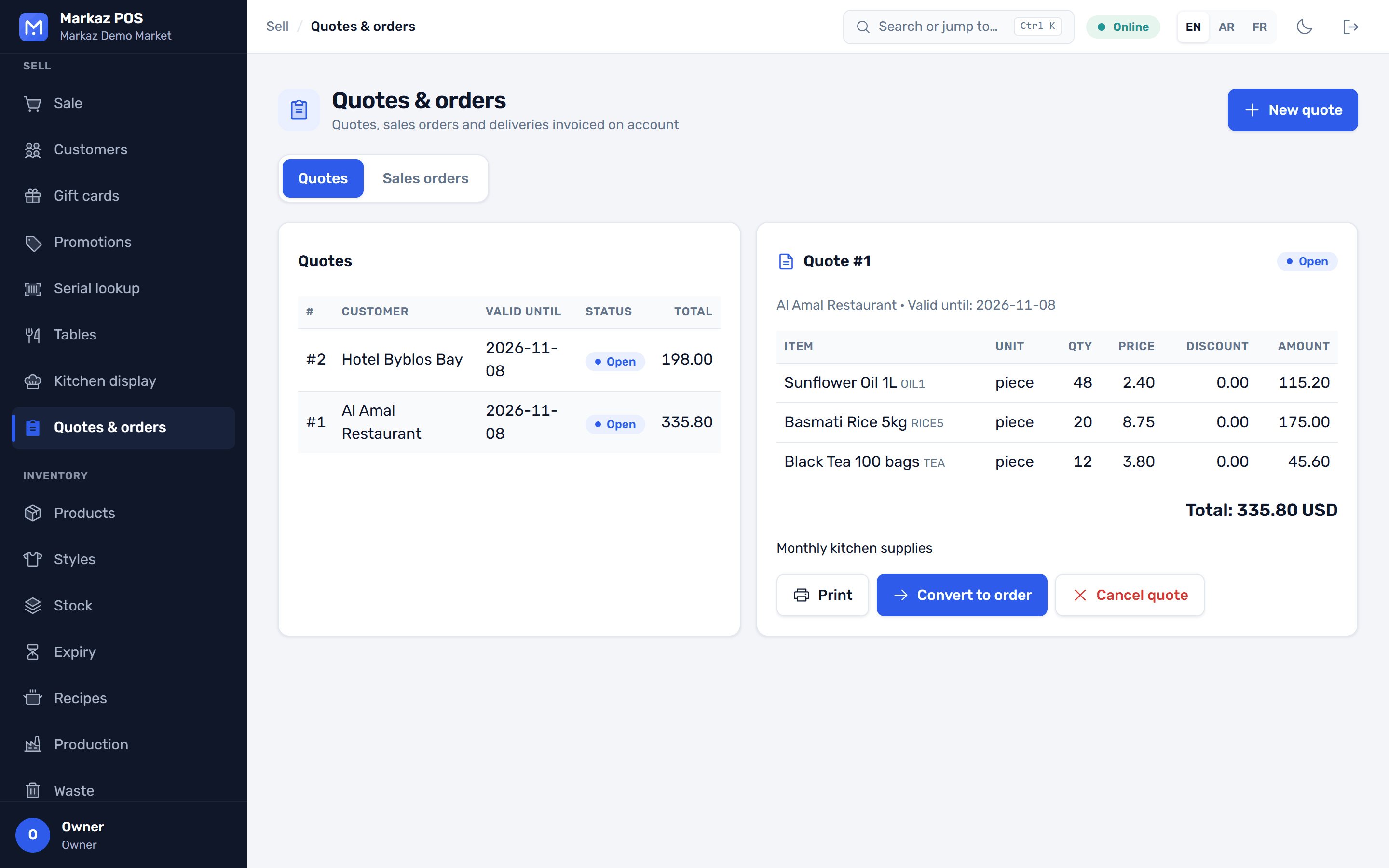
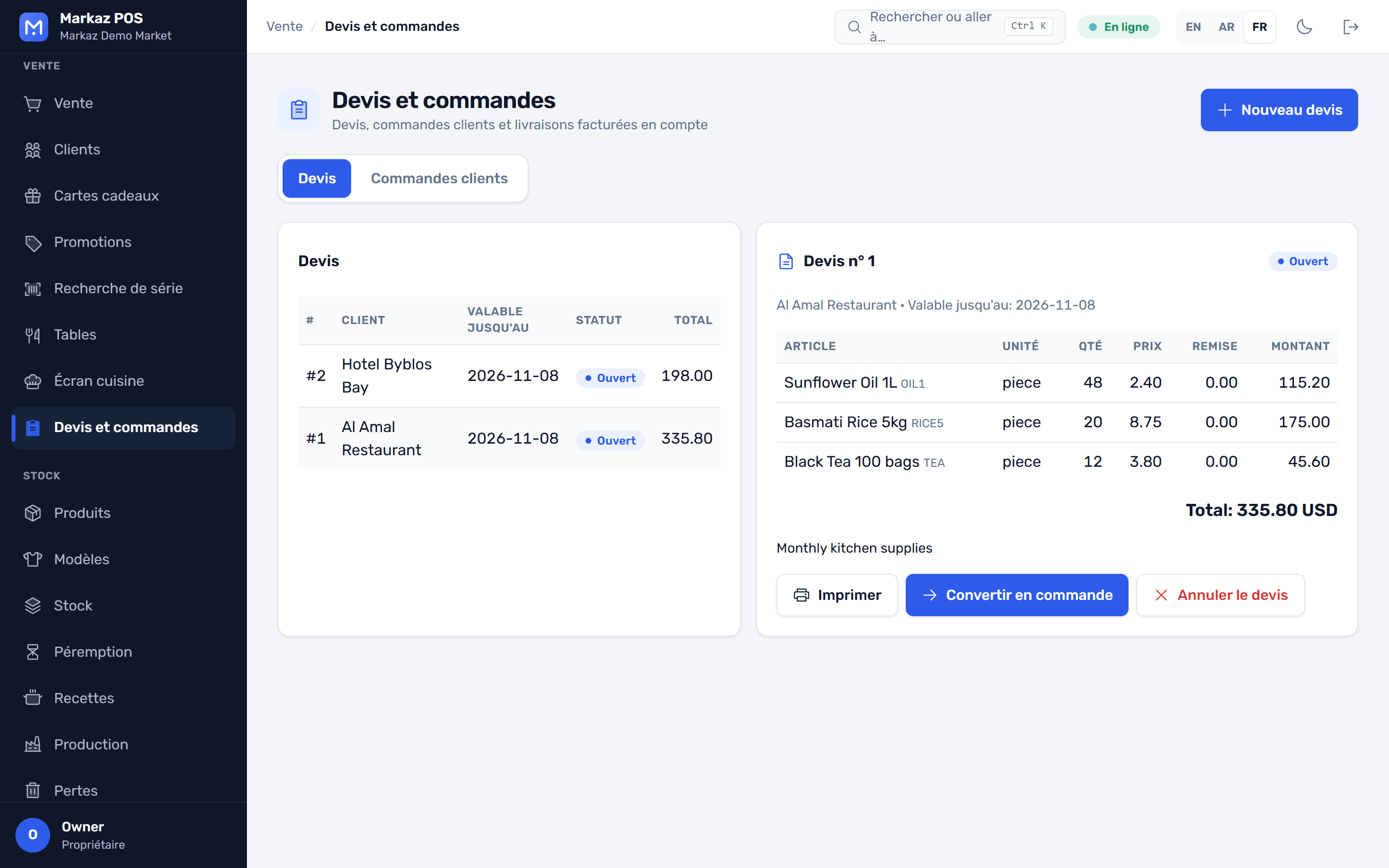
Customer credit accounts, receivables, quotes, sales orders and deliveries.
Sell by length or area, and take deposits.
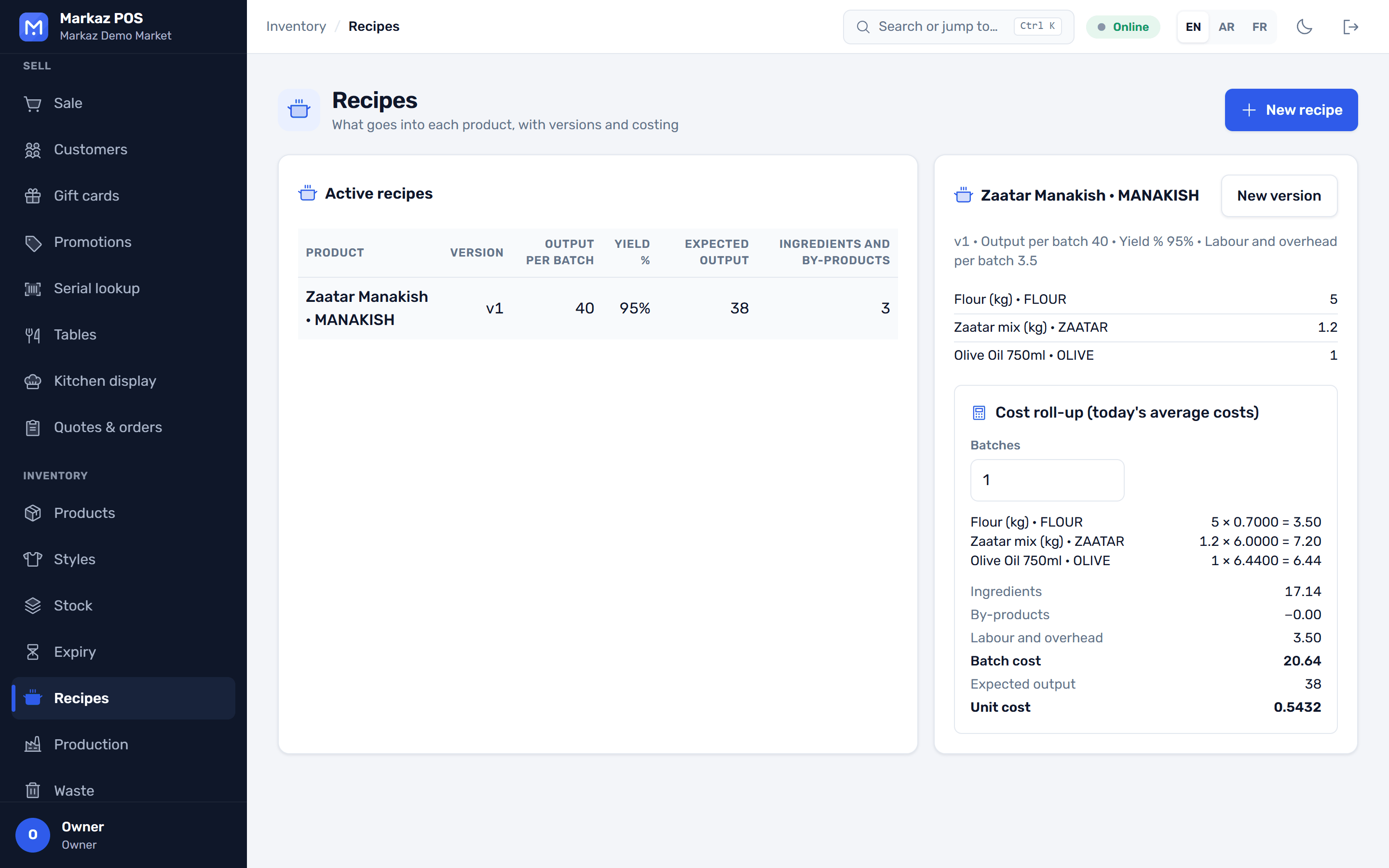
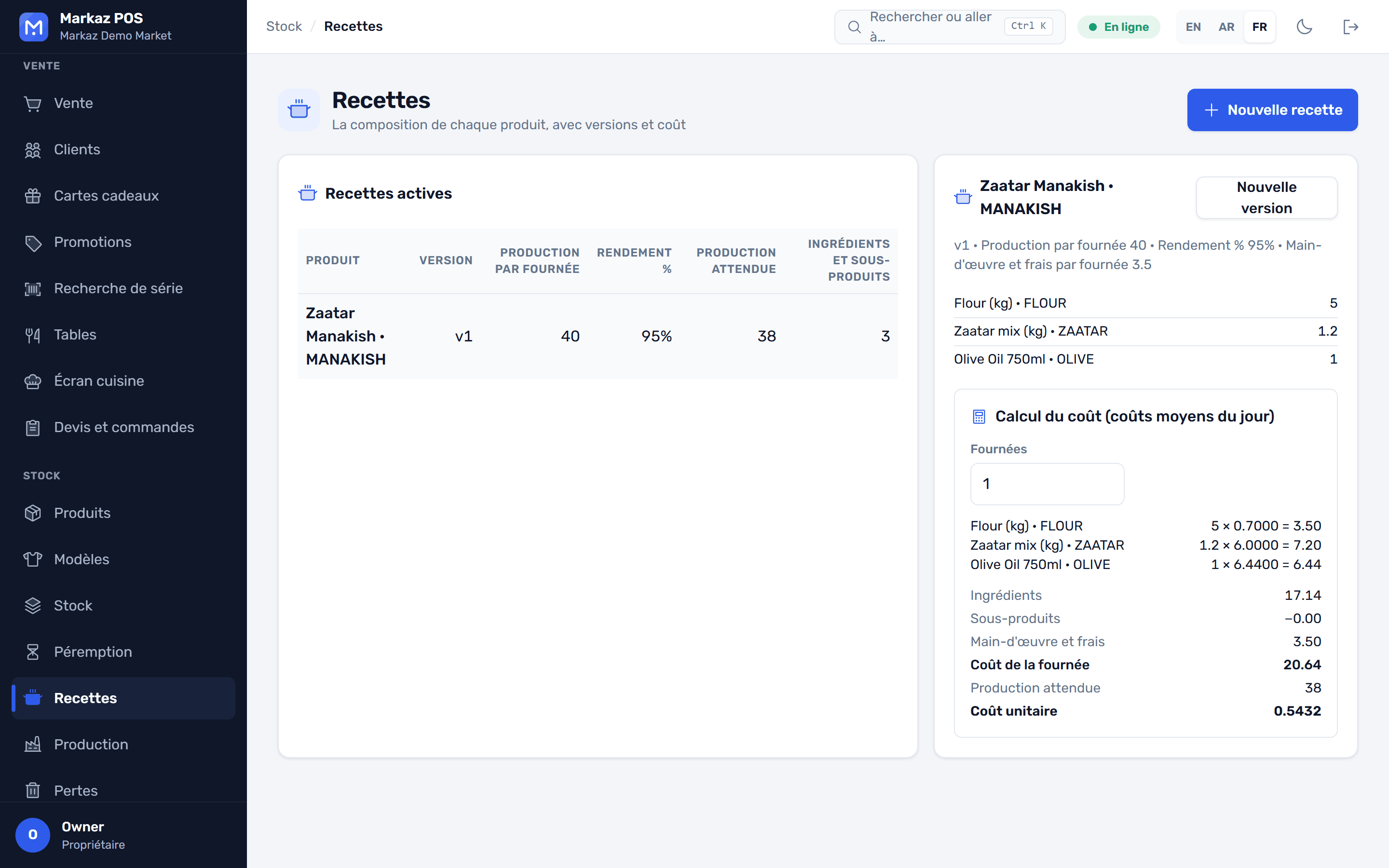
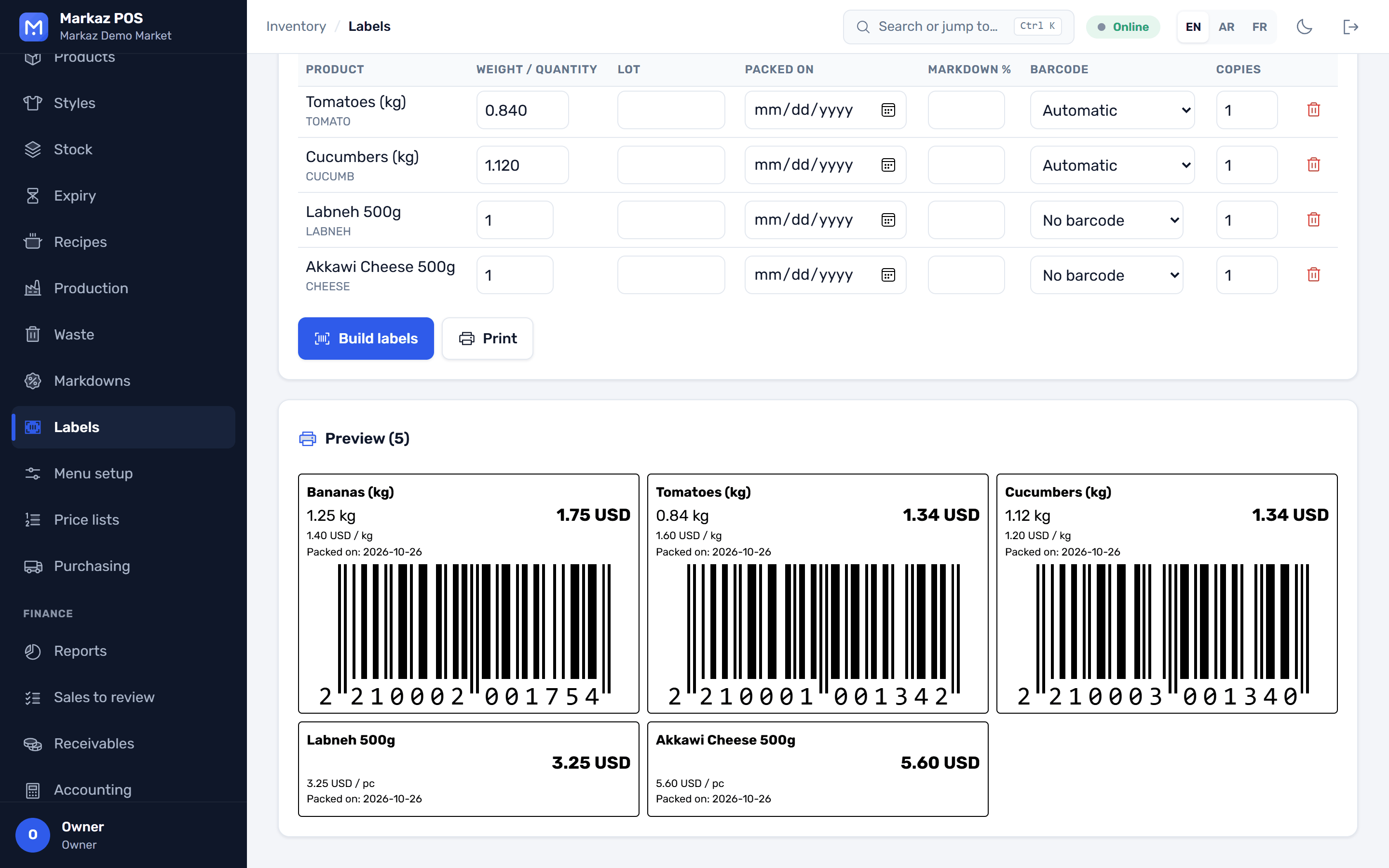
Recipes, production runs, yields and labels.
A system designer, proposals, installation projects, installments, service and RMA, dealers and bulk serials.
Bins and putaway with bin labels, landed cost for imports, picking and packing with a scanner, and cycle counts with ABC.
Coming soon: being built now
One head office over many branches, with each store still selling offline.
Each business type adds its own screens on top of the till, stock and accounting. Here are six of them.
Every lot carries its expiry date. The till sells the earliest lot first, and the expiry report shows what to move before it is too late.
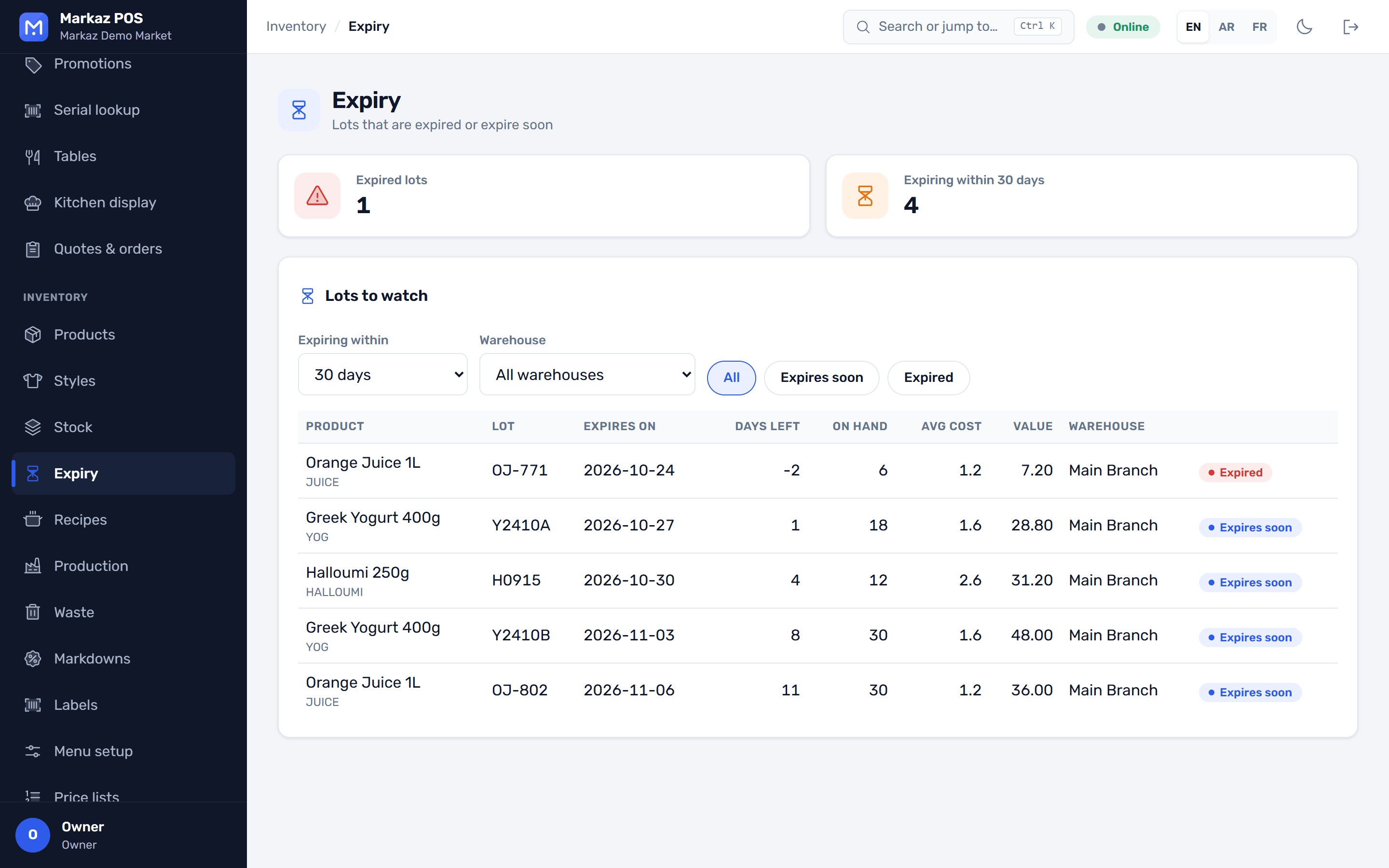
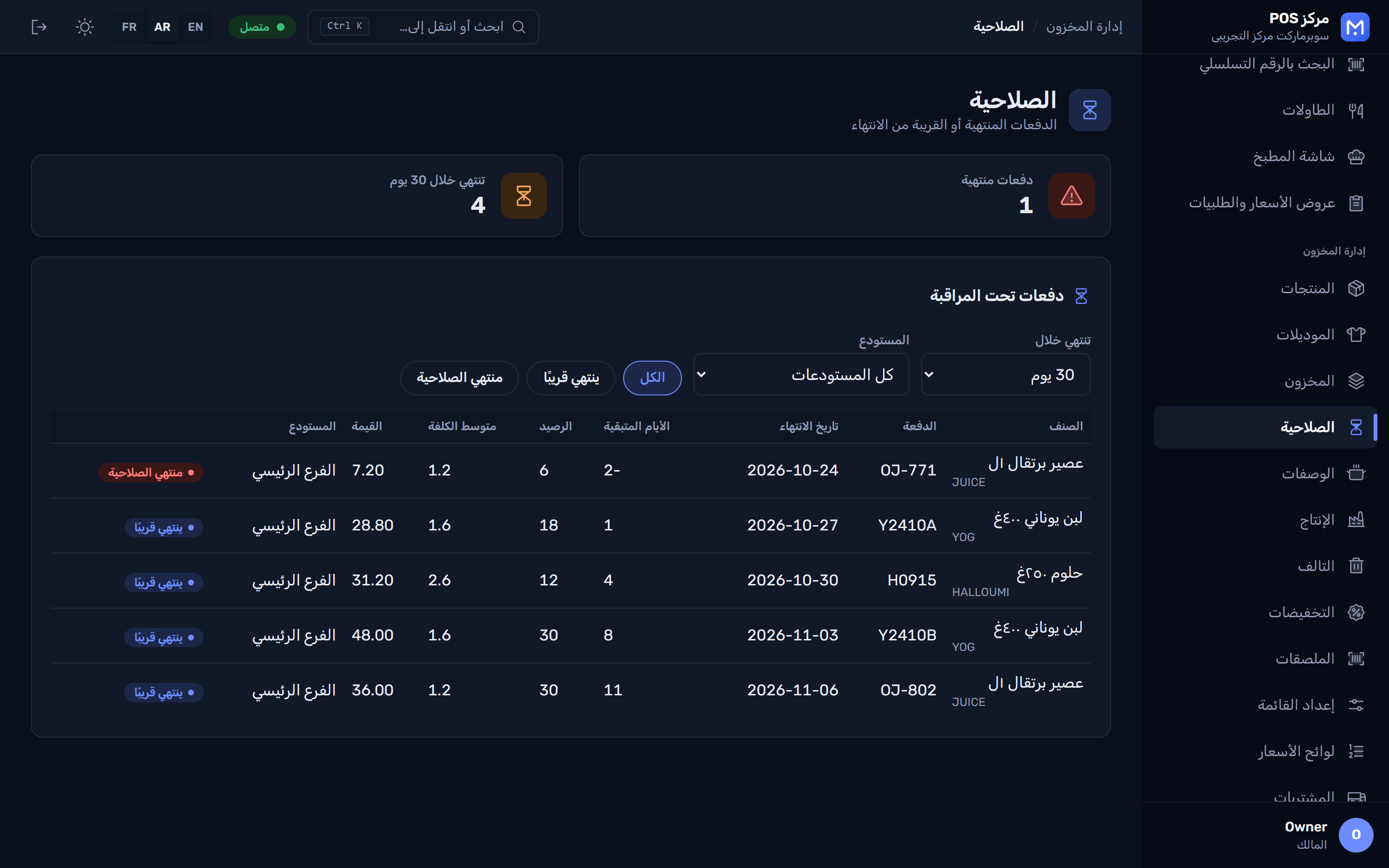
Enter a style once and fill in its size and colour grid. Each variant gets its own barcode, price and stock.
Scan the IMEI or serial number when you sell. Later, look it up to see who bought it, when, and whether the warranty still runs.
Open a table from the floor plan, add modifiers, send the order to the kitchen display, and split the bill when it is time to pay.
Customer accounts with credit limits and statements, and quotes that turn into sales orders and deliveries.
Recipes with yields, production runs that use up the ingredients, and labels with weight, price and dates.
Run the installer; it needs no administrator rights. A short wizard sets up your business, branch and owner account. The 7-day trial has every feature and needs no internet.
When you're ready, paste the 200-character key from your provider, during setup or later under Administration → License. Activation needs the internet once.
After activation the store works with no internet. One key covers one PC, and your provider can move it to a new PC.
Every edition is the same app. Your license key sets the users, branches and tills, and whether the AI assistant is included.
A supermarket or busy store
Large stores and several branches
Chains and distributors
Monthly, yearly and perpetual licenses are available. The exact limits are written into your key.
Something else on your mind? Talk to us and we'll answer it.
Not for daily work. A one-PC store runs with no internet at all. You need it once to activate a license key, and to fetch live exchange rates if you want them.
Yes. One PC acts as the store server and every till connects to it over your local network. Each till keeps selling if the server drops.
Yes. The till shows the total in your main and second currency, takes cash in both in the same sale, and gives change in either. You choose your main currency at setup.
Selling continues. After a grace period you can no longer add users or branches until you activate a key. Your data is never locked.
No. A key belongs to the first PC that activates it. Your provider can move it to a new PC, or issue a store-network license for several tills.
On your own PC or your store server, not in someone else's cloud. The app backs it up every day and keeps the last 14 copies, and you can add a second folder such as a USB drive.
Barcode scanners, receipt printers including ESC/POS models, a cash drawer connected to the printer, a customer display and a weighing scale. Receipts print without a print dialog.
No, it is optional. If you turn it on, it uses your own API key from Anthropic or OpenAI, so you pay your provider directly. It only sees what the signed-in user is allowed to see.
English, Arabic and French, with a full right-to-left layout for Arabic. Each user picks their own language.
Windows 10 or 11, 64-bit. Every feature included, no administrator rights and no card.
Version 0.3.1 · All versions · Windows 10/11 · 99 MB